From your website workspace nav menu click Menu

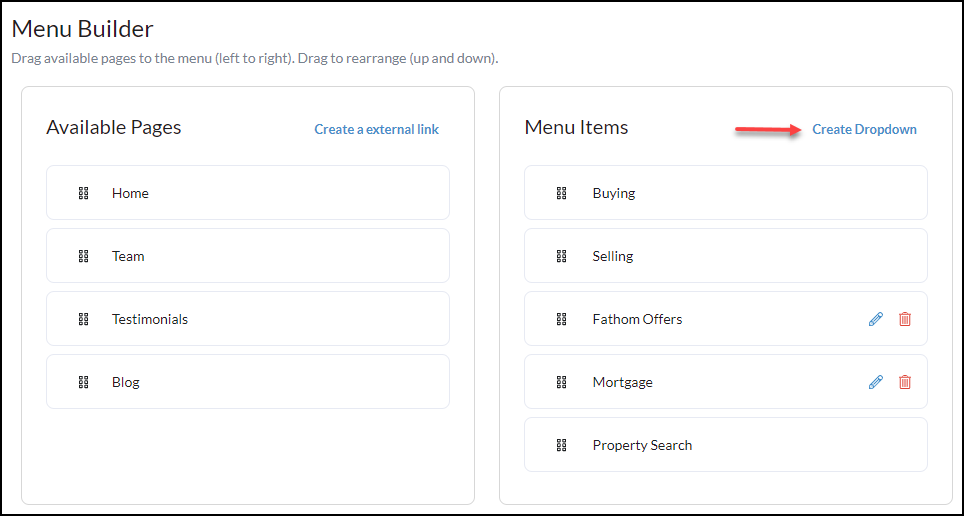
To consolidate or organize pages, use the Create Dropdown menu option.
1. Click Create Dropdown in the 'Menu Items' column
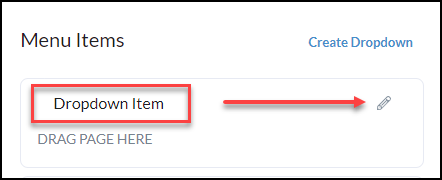
2. Click on the edit pencil to the right of the Dropdown Item to name the menu item that the pages will be created under.
Click the 🖉 to edit the Dropdown Item name
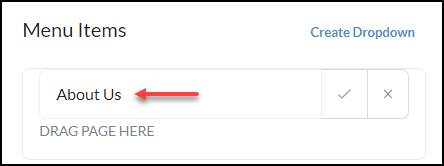
Example name provided below, next click the checkmark to confirm.
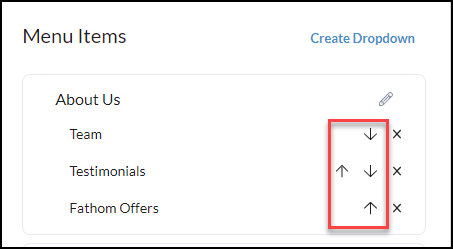
Now you can begin to drag n' drop pages to be included under the main dropdown item. Use the arrows to move the pages to their desired location under the dropdown.
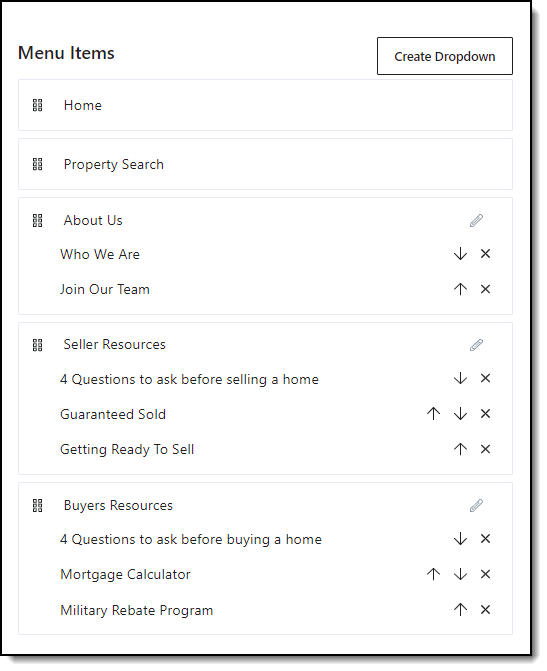
Repeat as necessary with additional dropdowns, below is an example of one with multiple dropdowns and pages below each.
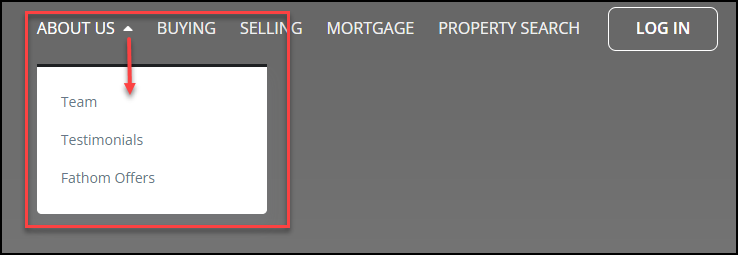
Once your dropdowns have been created it will appear on the website as pictured below.