Use the 'Property' section to input pertinent property information that includes the address, photo, price, and MLS ID (optional).
There are two ways to enter the property information:
1. Enter in the MLS Code (optional) and intelliAgent can pull all the information it needs from the MLS, including the photo!
2. Manually enter in at least the address, price, and photo.

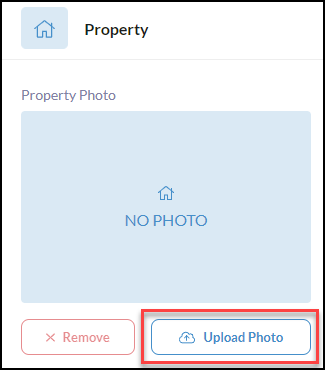
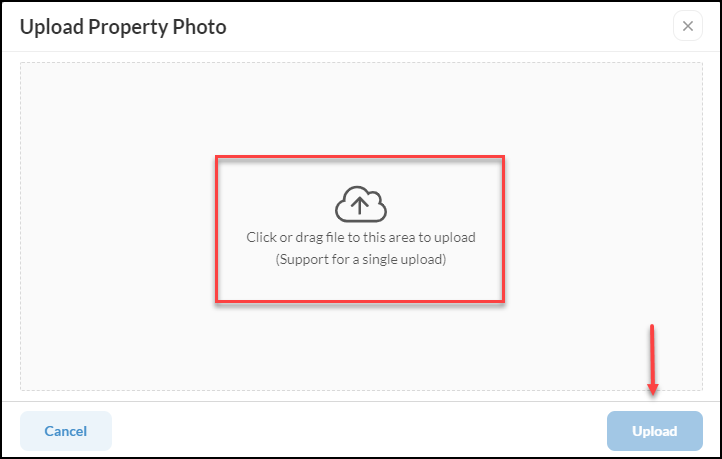
To manually upload a photo, simply click on the 'Upload Photo' button which will bring up a window to then click the upload area  to browse your computer files for the single photo of the property. You can also drag the photo directly from your files and drop it into the upload area of this window below.