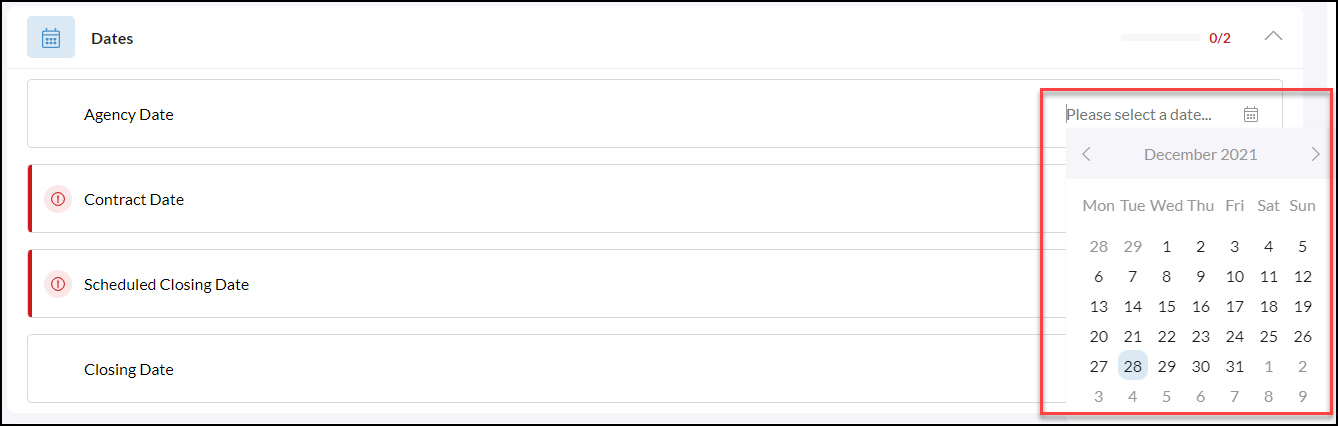
From a Transaction, scroll down to Dates

Please note the areas of 'Dates' that are required icon  . Of course, while not all dates are required, we do ask that you do your best to enter all of them in.
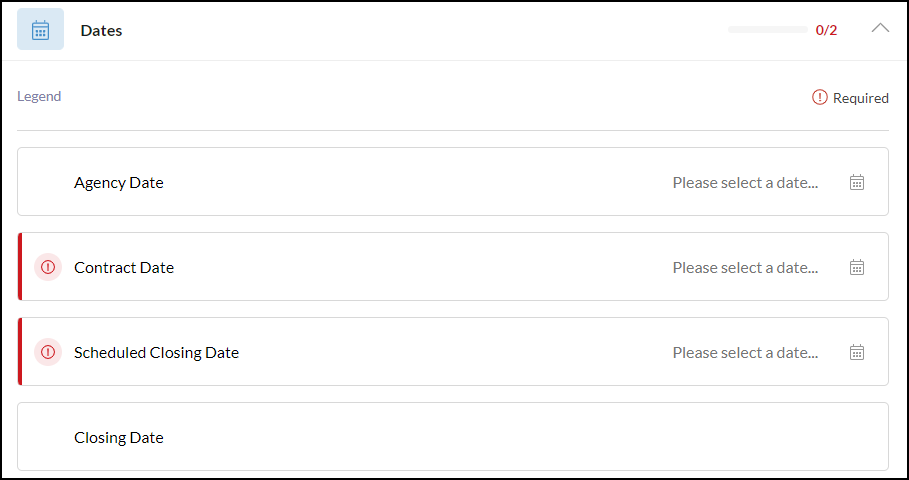
Based on the type of transaction the following dates will be available
- Agency Date: The date that you and your client established an agency
- Listing Date: The date the property was listed on the MLS
- Listing Expiration: The date the listing expires
- Contract Date: The date the contract was executed
- Scheduled closing date: The date the transaction is scheduled to close
- Closing Date: Notice that the closing date is not able to be edited. Once the closing documents are received, the information in this 'Closing Date' field will be edited by the home office to ensure this is accurate for audit purposes.
Selecting a Date
Click 'Please select a date...' to pick from the calendar next to each date.