Social Boost is a marketing tool that helps drive more traffic to your listing by automatically creating and running Facebook lead ads. Find potential customers on the Trending Homes Facebook page and provide the best listing exposure for your clients!
How to setup my social boost ad - Getting Started
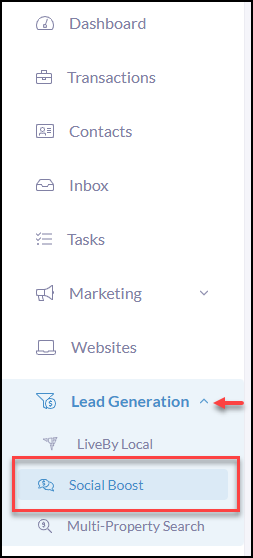
Navigate to and click on the Lead Generation tab in the iA menu
Next, click Social Boost
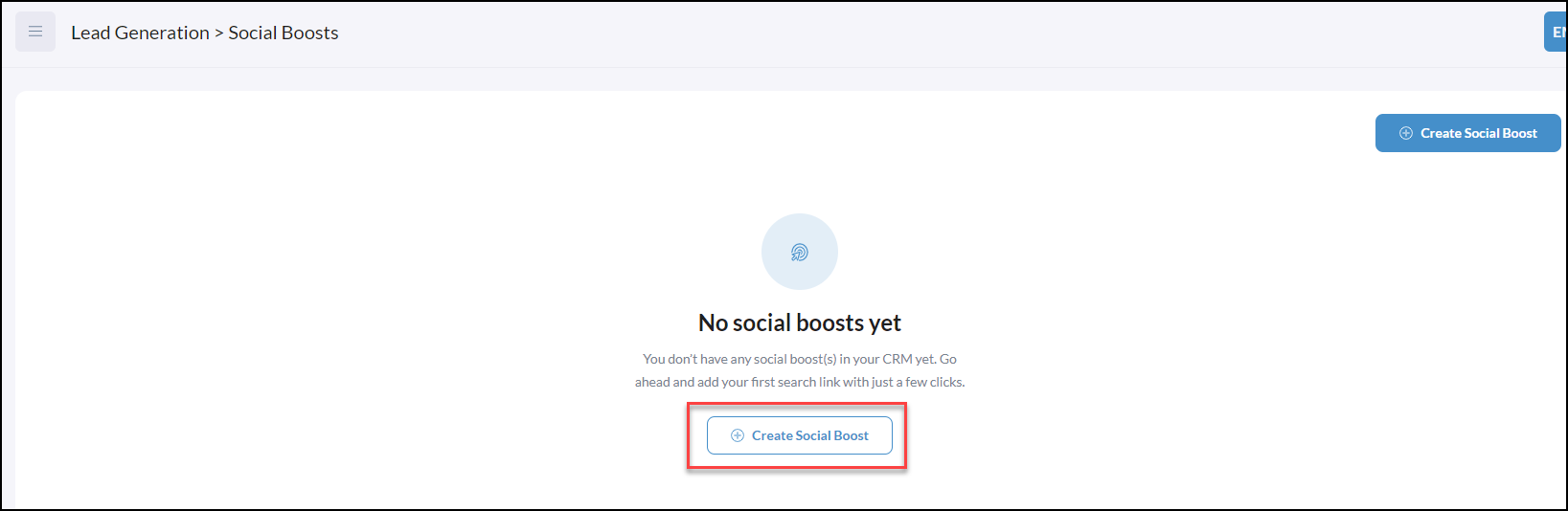
Next, click Create Social Boost
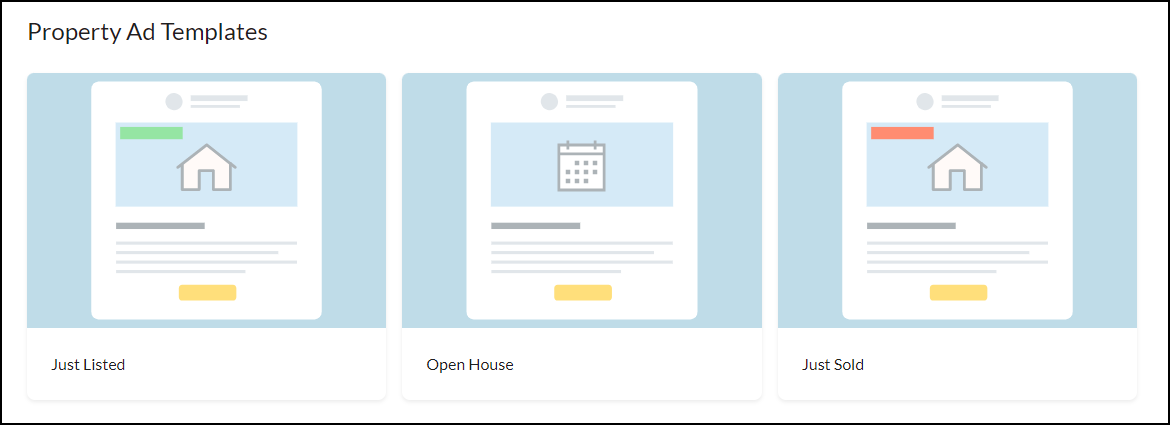
Select which Property Ad Template you would like to use from the options below; Just Listed, Open House, or Just Sold.
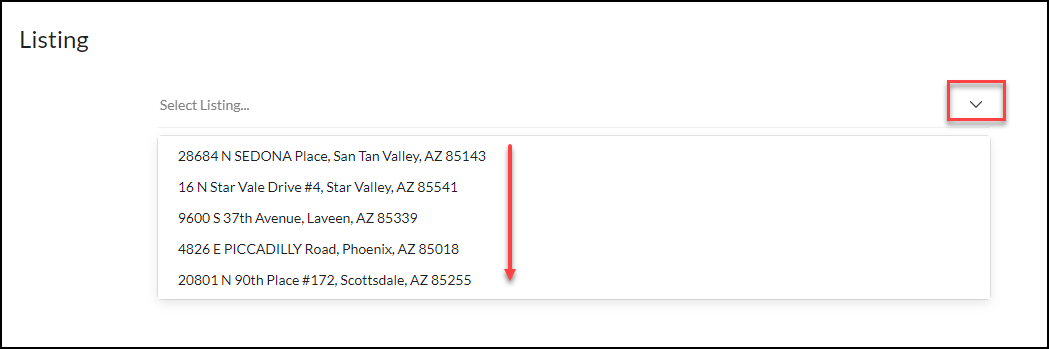
Next, Select a Listing by clicking on the Select Listing field or dropdown arrow.
Listings are associated with your connected MLS.
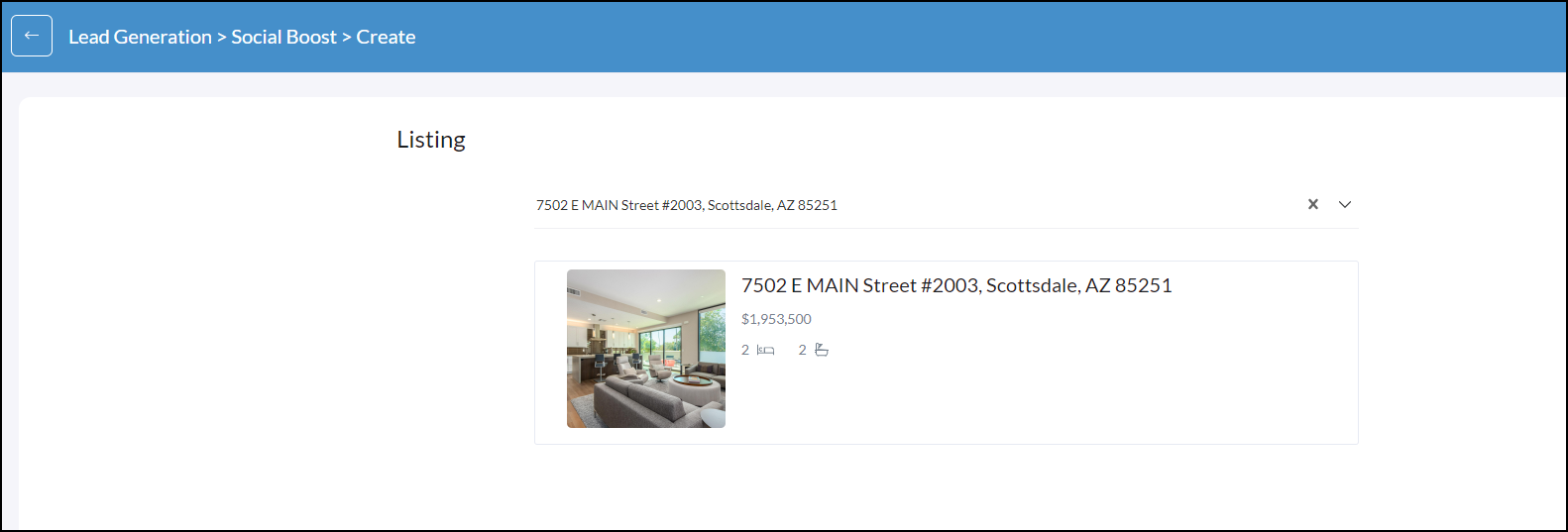
Once you select a listing from the dropdown the property details will display what will be shown on the lead ad.
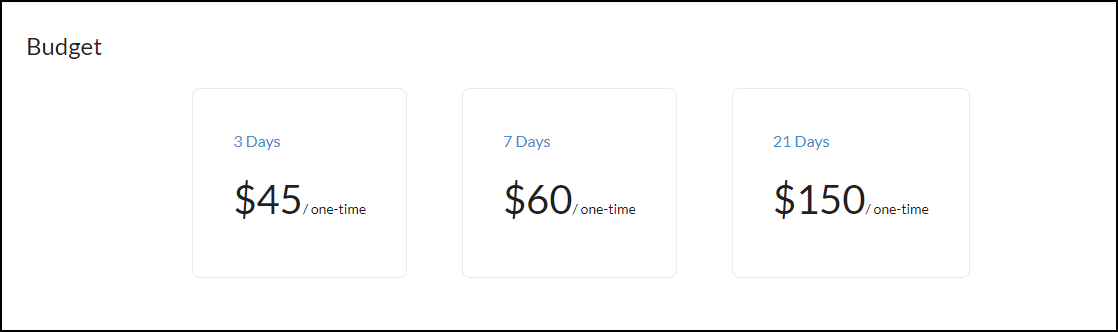
Click Continue to select your Social Boost lead ad budget from the 3 options below.
The budget you select will be spread over the days associated i.e. budget $45 will run over the 3 days. If the budget is exhausted before the 3 days the ad will stop so you will never be charged more than the budget selected.
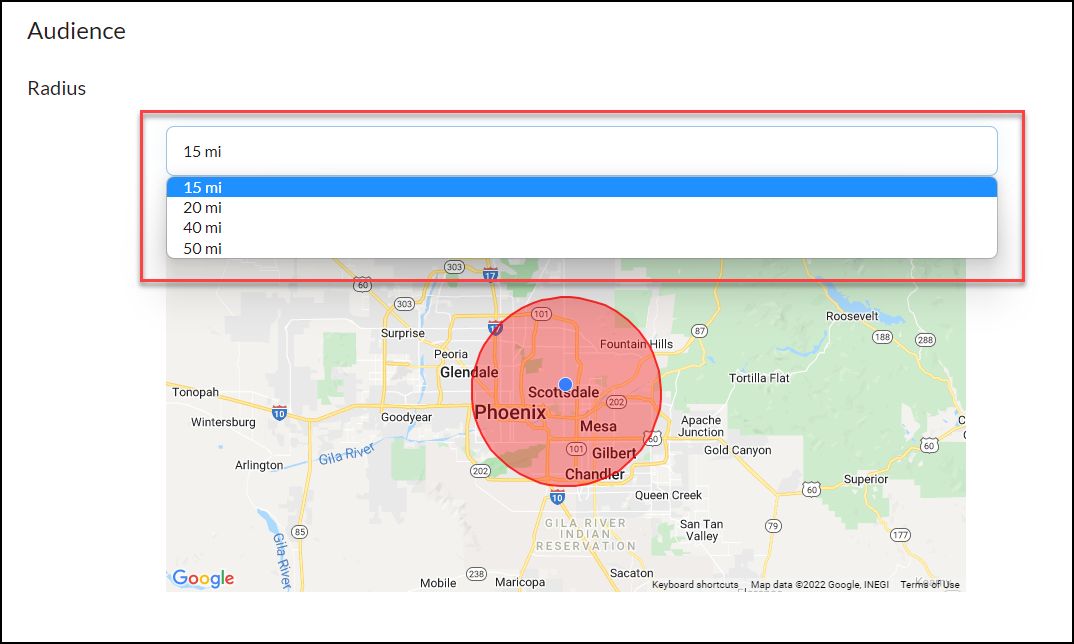
Once you have selected your ad budget we move into selecting the Radius of our audience. Using the dropdown you can select up to a 50-mile radius that will reach your relevant audience.
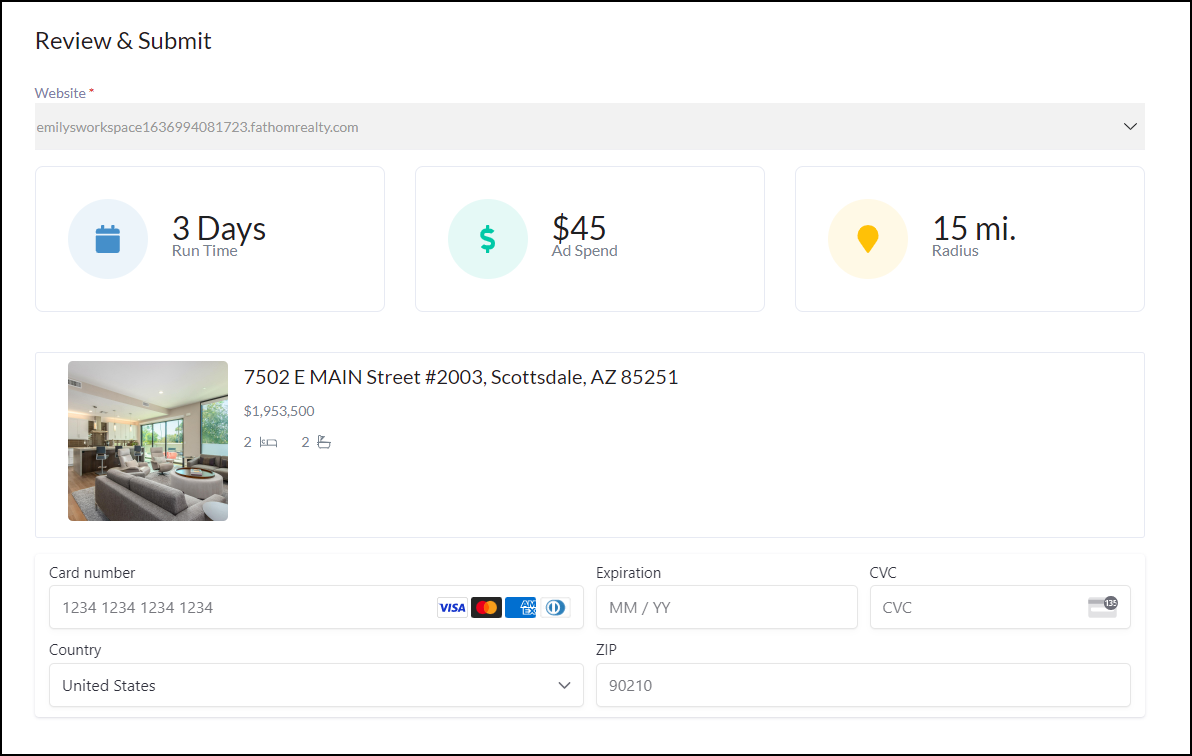
Next, review Review & Submit your selections and card payment
How it appears and works on Facebook!
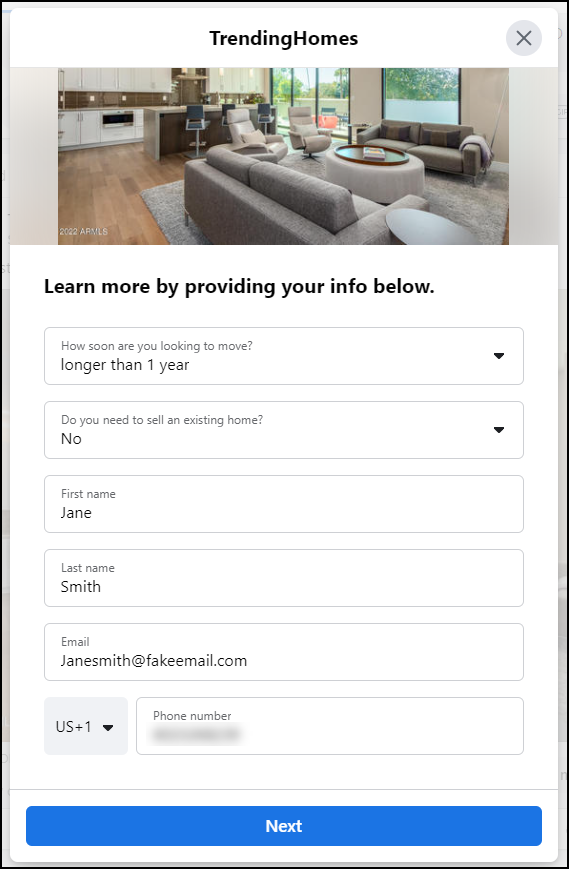
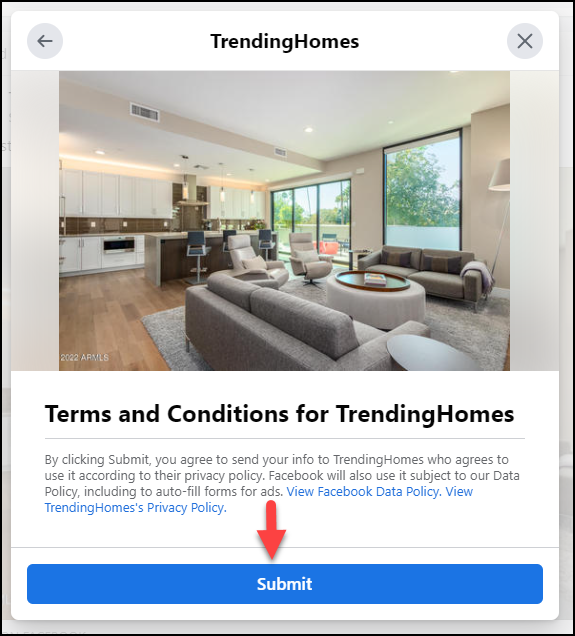
Once someone clicks on the ad they will be asked to submit their contact information, which is prepopulated from their Facebook account.
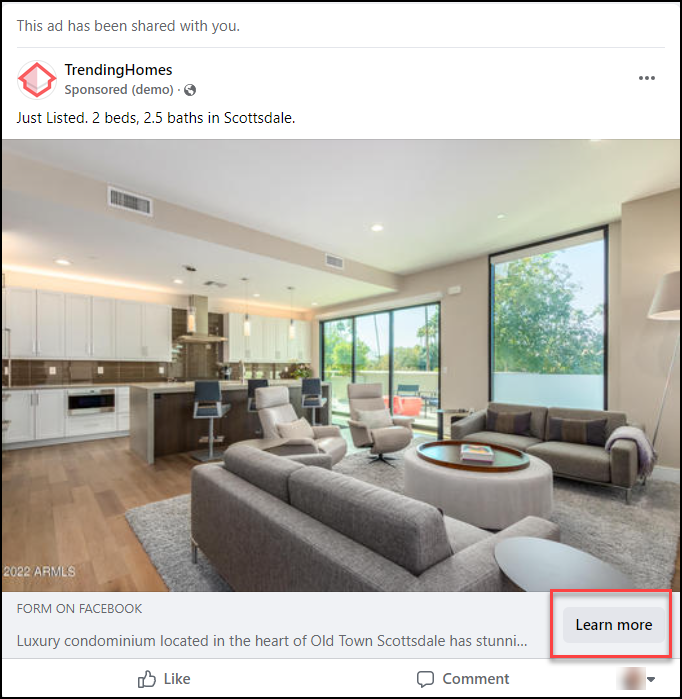
Once the consumer clicks Learn More they will be able to fill out the information in the form (shown below).
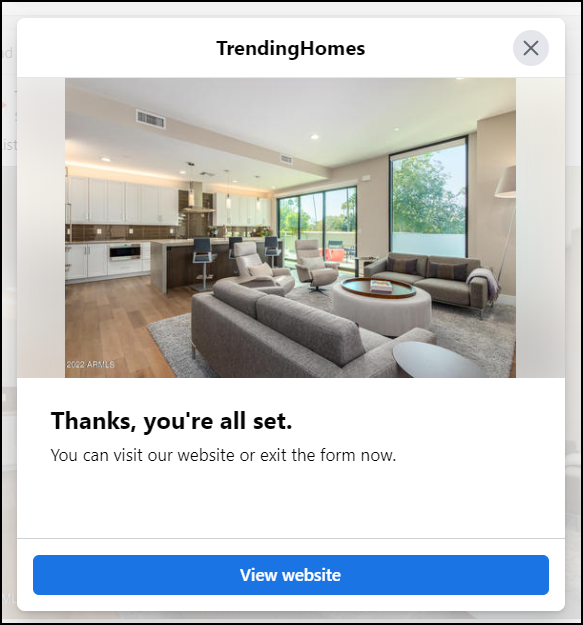
Once they fill out the Learn More form this will create the contact in your iA workspace.