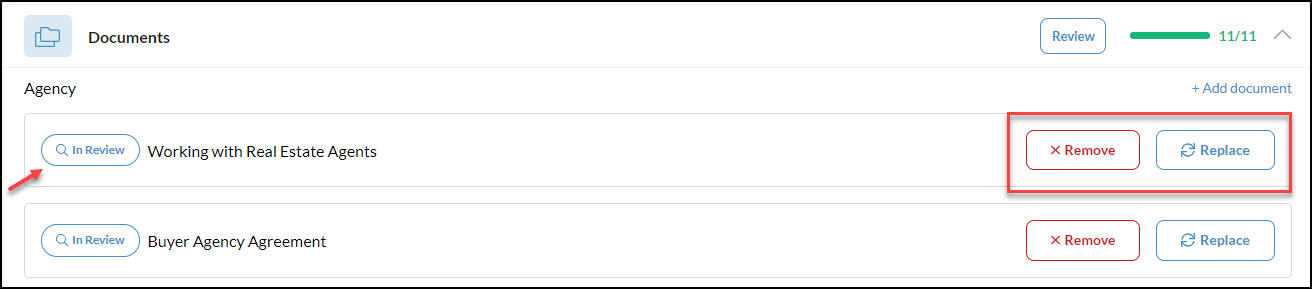
From your transaction, scroll down to Documents
Please note, the Documents being asked of are based on your state or local market. The documents may change based on location.
Click the  button as shown in the screenshot below to submit an Exemption Request and describe why this document is not required for this transaction. Exemptions will be sent to your District Director to approve or reject. If you have any questions about rejected documents, please reach out to your designated District Director.

Once your 'Exemption Request' is submitted, it will go into a 'Review' status where you still have the opportunity to remove or replace the document.