We all know every transaction doesn’t close successfully – sometimes leaving open transactions in intelliAgent. Follow the steps below that goes through all the steps you’ll need to take when a transaction is not going to close. This not only keeps you and your Brokerage in compliance and helps keep your iA files tidy and up-to-date – it also ensures your year-end tax records (1099’s) are correct.
Click Transactions
Locate any open transaction and click to open.
Next, in the top-right hand corner click Terminate
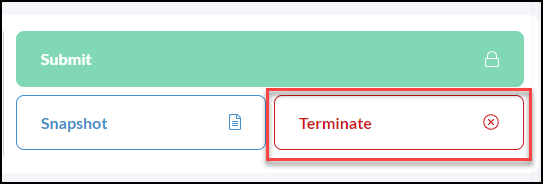
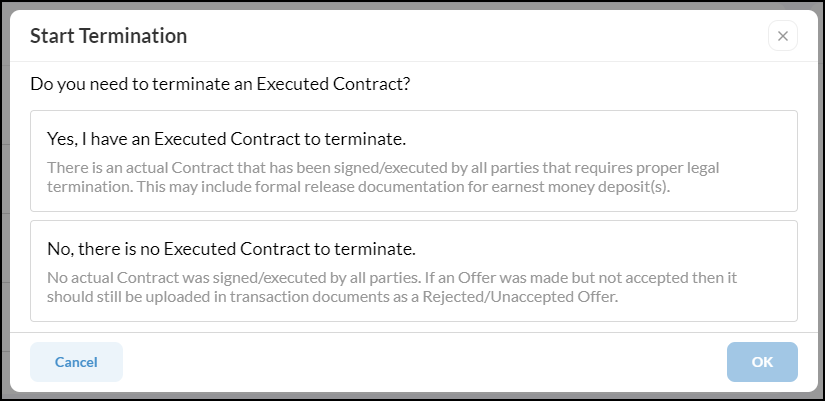
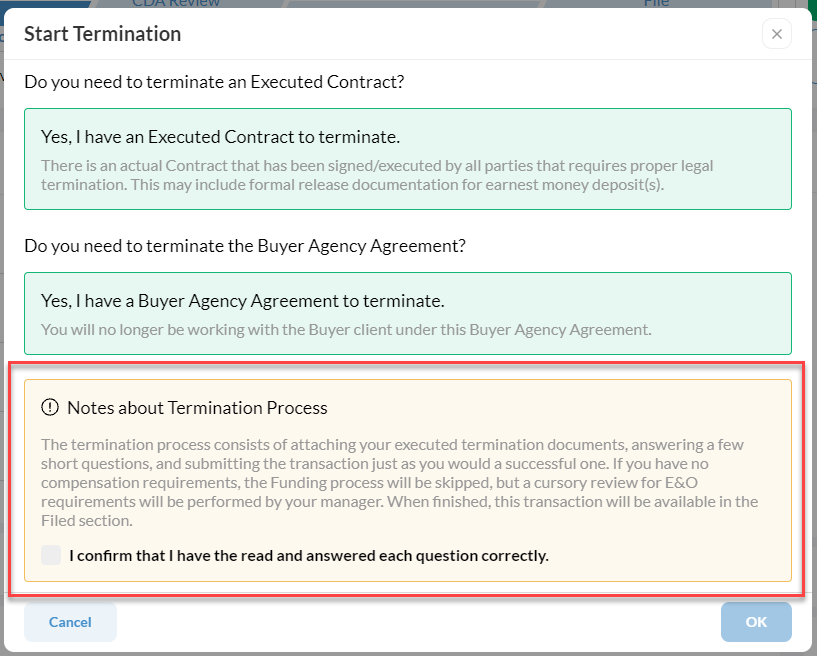
Continue your Termination, select from the following
Confirm if termination of the Buyer Agency Agreement is needed.
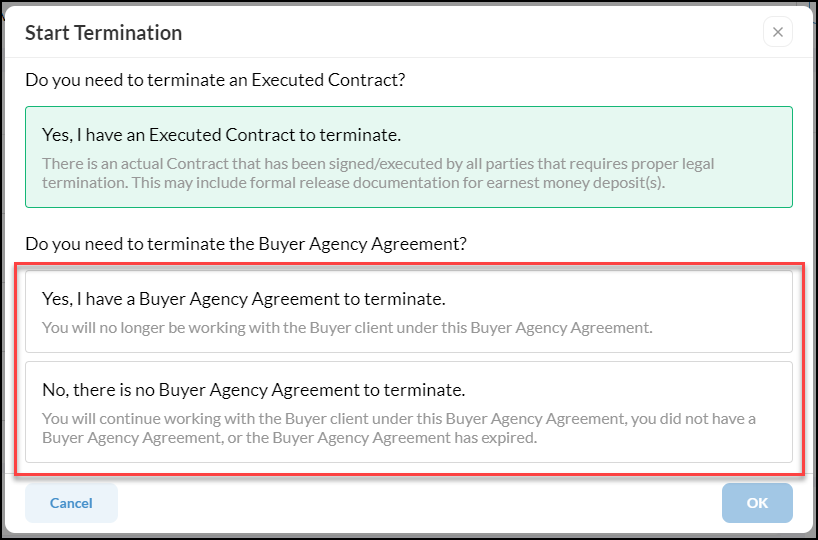
Next, confirm that you have read and answered each question correctly.
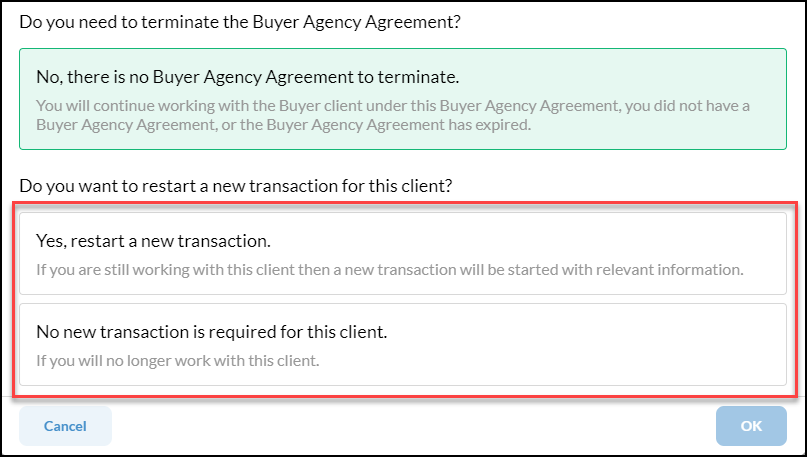
If No, there is no Buyer Agency Agreement to terminate is selected you will then be prompted to confirm the following to restart a new transaction or not.