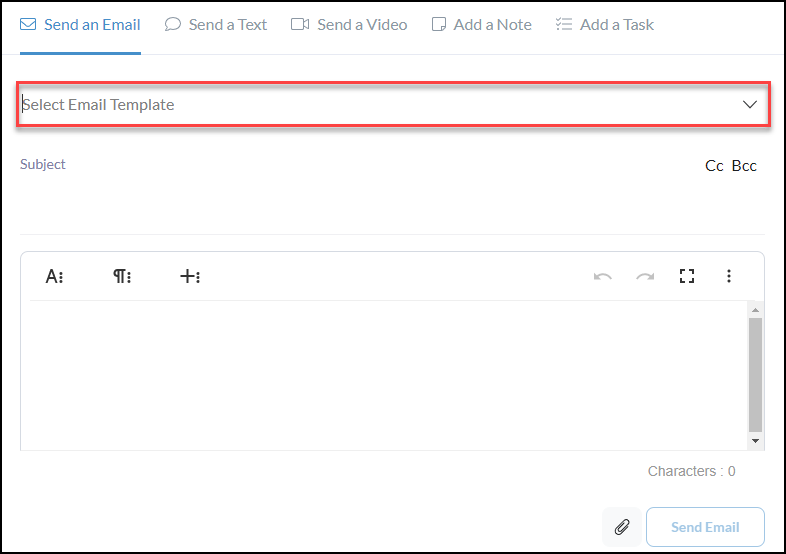
Create and design email templates for consistent communication.
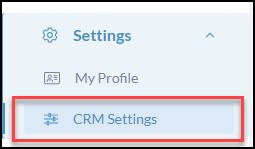
Click Settings from the iA Menu
Click, CRM Settings
Click Email Templates

Click +Create Template

- Enter a Template Name
- Create the email Subject
- Create the Body - use the Rich Text Editor to create each of your templates
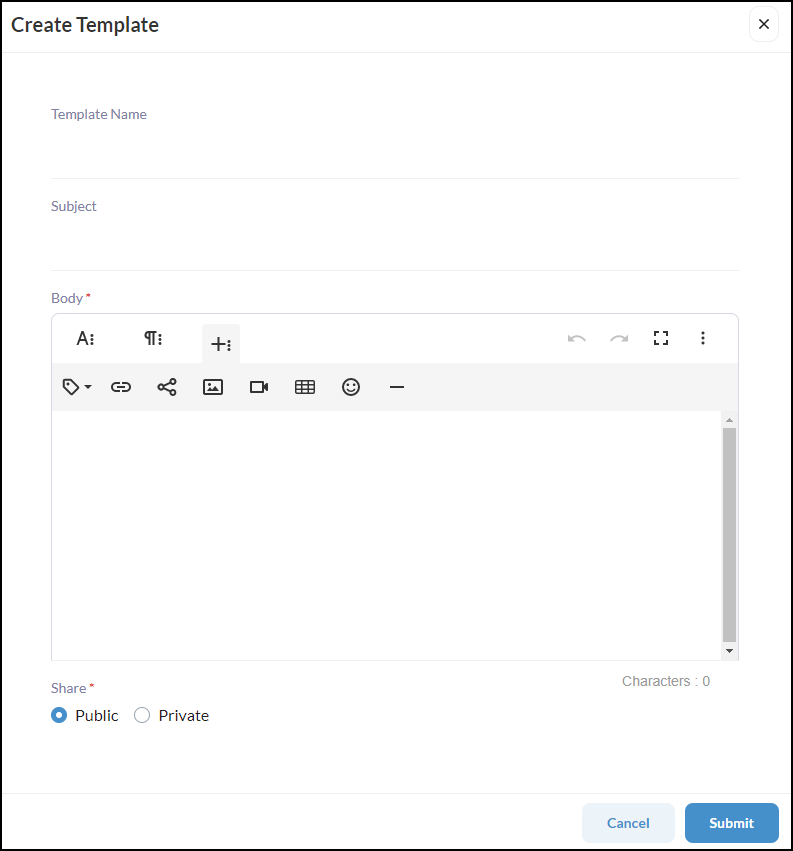
Create the Template Name to easily locate in selecting from the template dropdowns.
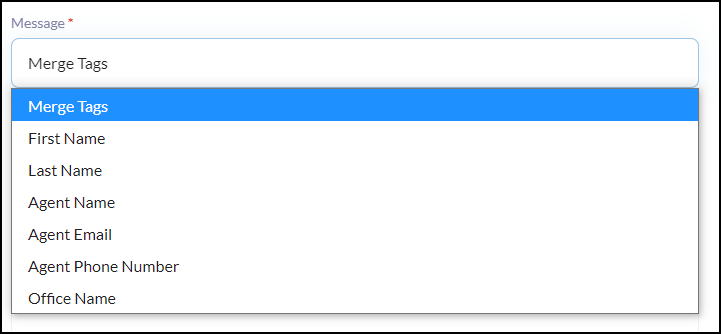
Use Merge Tags to ensure each email is automatically personalized when sending in bulk.
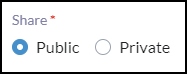
Select the Share Settings
Private - only you as a user will be able to use it.
Public - all users (Agents/Admins) will be able to use.
Example of how the dropdowns will appear to select Email Templates