Use Zapier to connect to third-party lead generation providers and trigger campaigns for fast lead follow-up and nurturing.
First, it is important to create at least one lead provider in intelliAgent 2.0 before completing the Zapier integration. Follow the steps below to setup your lead providers.
- Third-party generation provider 'lead routing'
- Trigger a campaign for Zapier connected apps for fast lead follow up
- Tag your Zapier connected leads
- Lead alert email and SMS Options
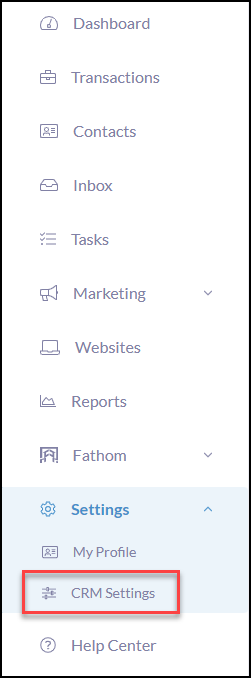
To get started, click Settings in the iA menu
Click CRM Settings
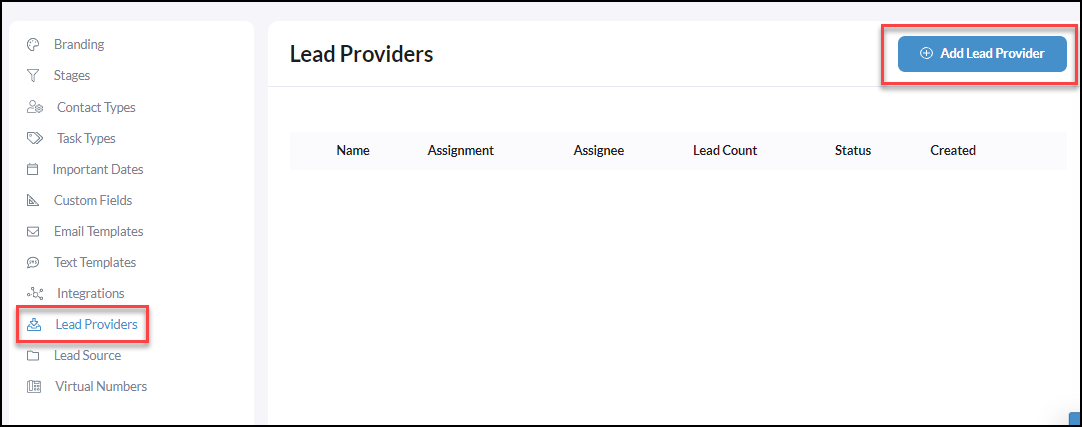
Then, click Lead Providers
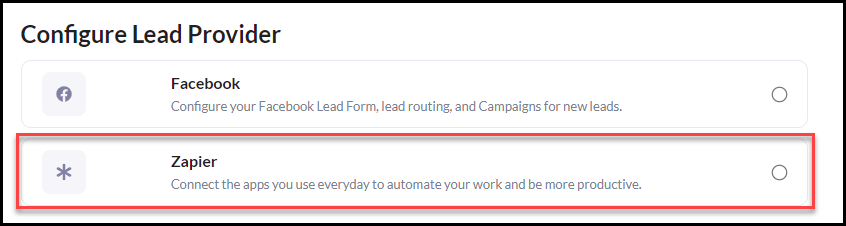
From the Configure Lead Provider page, click Zapier
Then click Continue

Next, you will fill out the Lead Provider Details with the step-by-step guidance below.
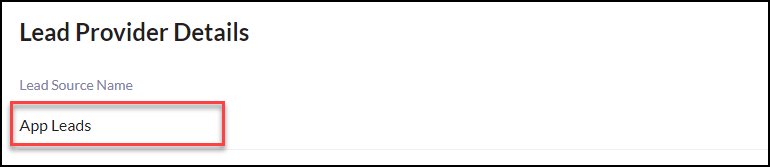
Create a Lead Source Name by just typing in what you would like to name this lead source. When a lead comes in it will display this name for the lead source on contacts created which will allow you to easily view what leads come in from each lead provider.
Zapier App Connected Lead Routing
|
Note, If you are on a team, Lead Routing will be available to Directly Assign a lead to a team member or use the First to Claim or Round Robin options. Are you on a team and need to set up group lead routing? Click Here to get started! |
Trigger a Campaign for App Lead Follow Up
Next, select a Trigger Campaign that will start when a new lead is created. Need to create a Campaign for your integrated app leads? Click Here to learn how!

Tagging Your App Connected Leads
Next, Tag your 3rd party leads! Easily start typing the tag name you wish to use and click Create "Tag Name" when it drops down below to create. Once a tag is created it will be available to use again.


Lead Alert Email and Text Options
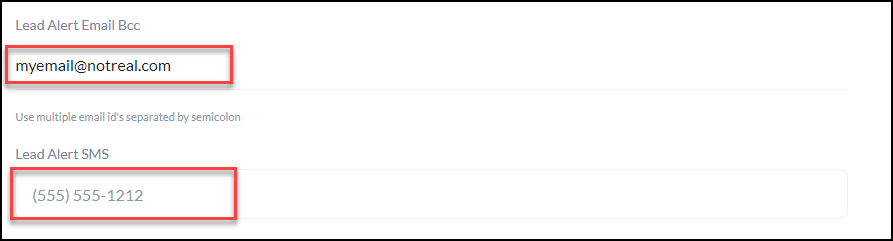
Optional: Lead Alert Email BCC: Use multiple email id's separated by a semicolon
Optional: Lead Alert SMS: Add the mobile number to receive lead alert text messages
Click Submit when finished.

Now that your lead provider is setup, follow the steps in Integrate Zapier with intelliAgent to integrate your third-party leads into iA 2.0 using Zapier!