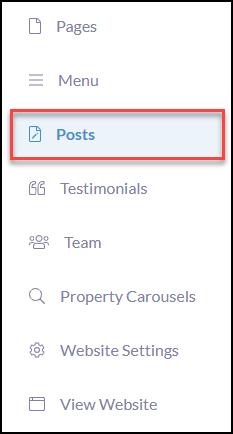
From the Website left-hand Menu click Posts
Click + Create Post

Create a Post Title: The title or name of your blog is the entryway to all your amazing content! Valuable long-form content won’t matter unless you enable readers to click through to it.
Post Path: The post Path will automatically reflect the name of your blog post when created.

Create Content: Use Naberly Solution’s rich editor content to write your blogs filled with valuable resources such as buyer and seller tips, title resources, market updates, what you need to know, add in videos, etc! The possibilities of content are endless.
Add Tags: Tags will allow you to segment and categorize your content allowing consumers to easily find the topics that are of most relevance to their journey. All tags created will display under the Blog headline as organized clickable categories.

Under Page Settings:
- Status: Check over your settings and when ready switch your blog from Draft to Published!
- Registration: prompt them to require registration to view the website content.
- Pro Tip* In utilizing require registration, you have the capability to instantly grab consumer data into your contact database within your CRM and trigger instant follow-up Automations!
- Description: Brief description of what valuable content will be available when they open your blog.
- Featured Image: Enhance the visual of the blog with a featured image.

Add Featured Posts to any page!
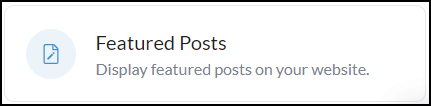
From any website page design drag n' drop the Featured Posts block and use tags to bring in the desired blogs.

- Click the Edit button
- Add a Headline and subheadline (optional)
- Select as many desired posts that are categorized by Tags

View it on your site!

Tips:
- Keep your blogrolls up to date and add or change regularly to keep the interest of your reader.
- Your blogs can be a helpful list of resources.
- Divide blogrolls into categories using Tags that a reader can click on to find what interests or guides them in their journey i.e. buying, selling, market reports, mortgage, etc.