Testimonials provide a window for clients to visualize what it's like to do business with you. Add testimonials to any of your website pages!
Click Testimonials in the left-hand menu
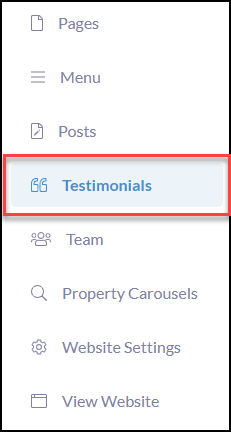
Click +Create Testimonials

Add Name, Location, the testimonial provided, & photo, as applicable

Add or create Tags to allow an assembly of testimonials to be placed on relevant webpages.
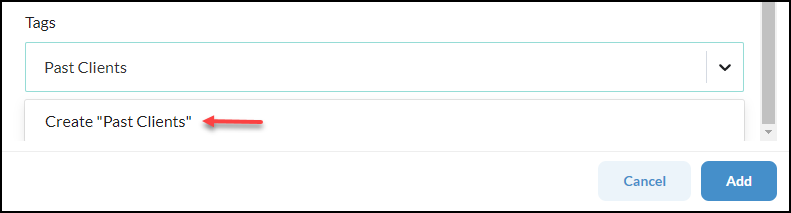
Once your testimonials are tagged you can use the design blocks to strategically bring in tagged testimonials onto each page. Learn How!
Add Your Testimonials Page to the Website Menu
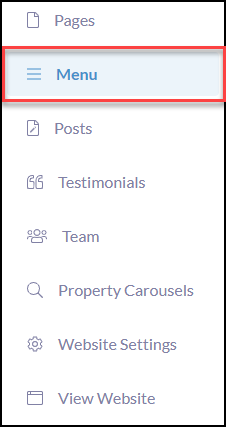
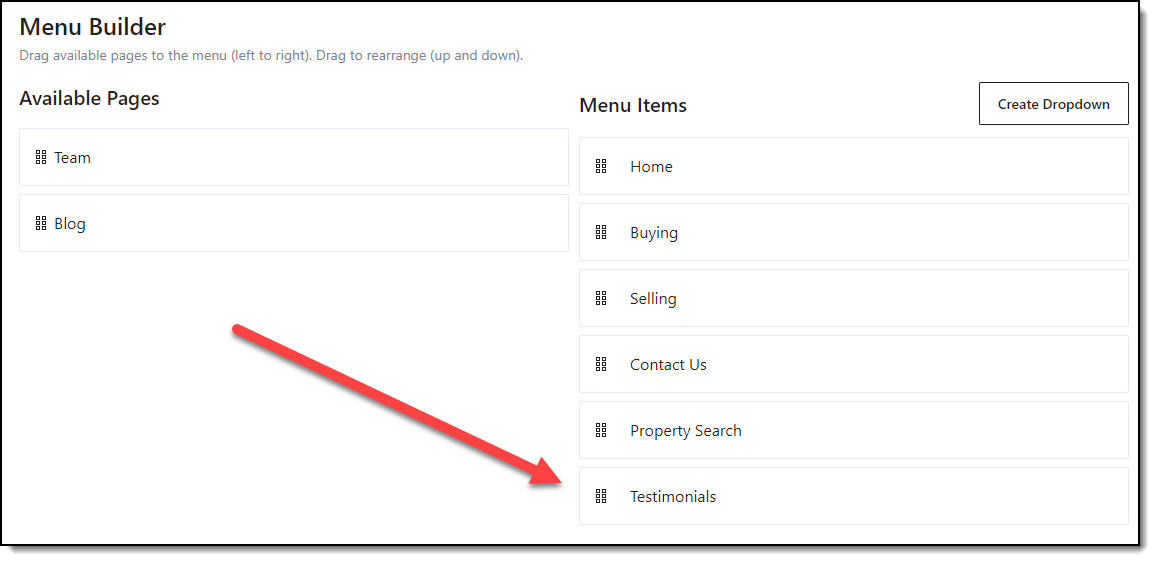
Once you have initially added testimonials, the next step is to go to the Menu to drag n' drop the Testimonials page from Available Pages > Menu Items. This only needs to be done one time.