Categorize your contacts based upon what stage they are in the buying/selling journey in order to help them take the next step!
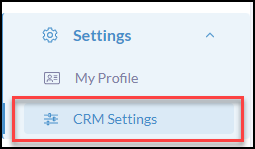
Click Settings from the iA Menu
Click, CRM Settings
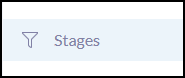
Click Stages from the settings menu
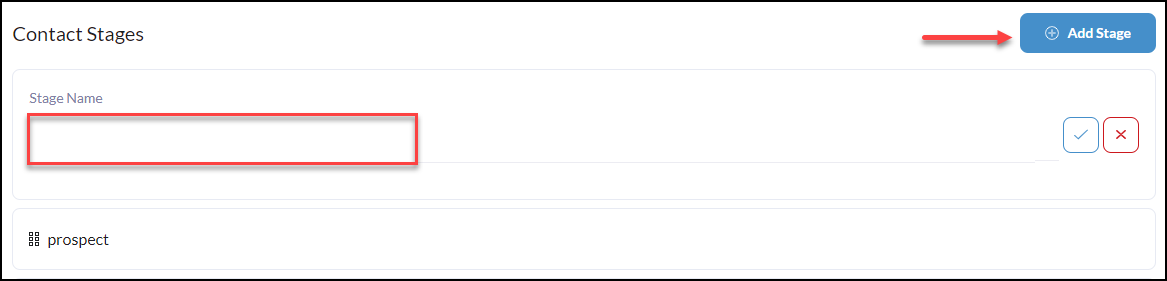
To create a new Stage click +Add Stage
You can add, edit, and remove stages based on your business needs.
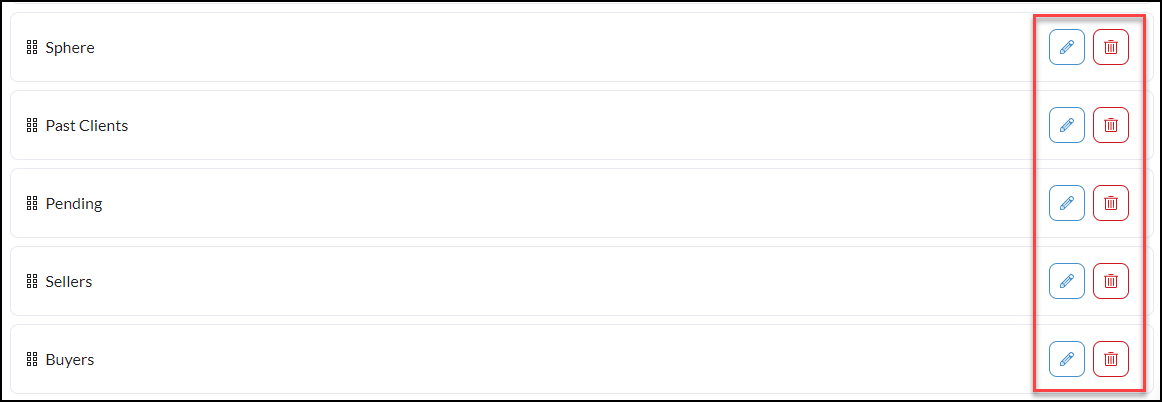
To Edit or Delete stages simply click the edit and delete buttons to the right of each contact type.
Pro Tip* Create Filters based upon these Stages! By creating filtered contact groups based upon the contacts stage, you can send drip campaigns and broadcasts that prioritize the