Creating additional Custom Fields will allow capturing more relevant information about your contacts.
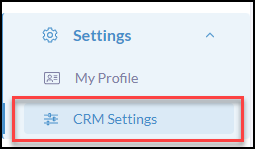
Click Settings from the iA Menu
Click, CRM Settings
Click Custom Fields

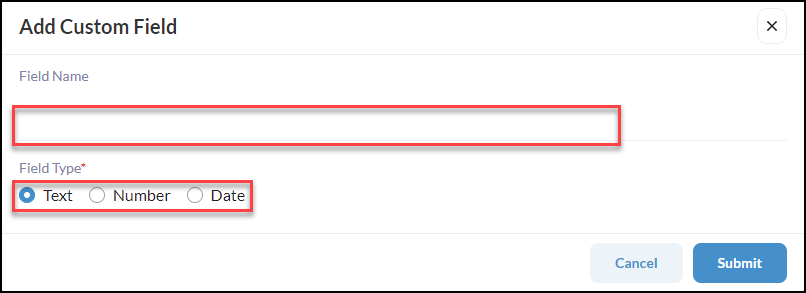
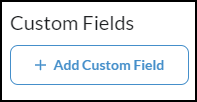
Click +Add Custom Field

- Create the Field Name
- Select the Field Type
- Click Submit
Once your Custom Fields have been established, you can then add the Custom Field when creating a new contact, importing contacts, or add to existing contact by clicking Edit Contact.
Pro Tip* Create Filters based upon these Custom Fields! By creating filtered contact groups based upon the custom fields, you can send drip campaigns and broadcasts that prioritize the needs of the contacts based on their journey.