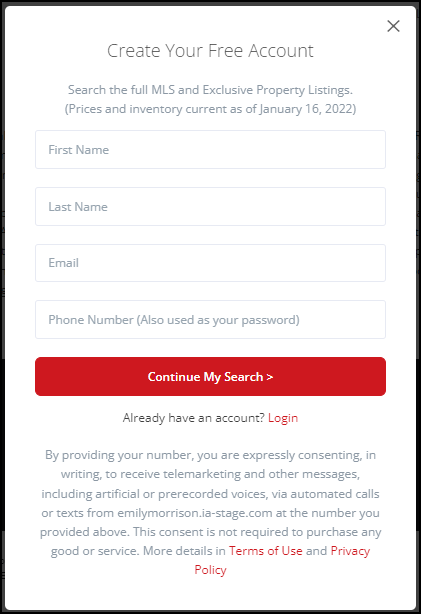
Each page has an individual 'Registration Required' option available providing an opportunity to capture information from visitors.
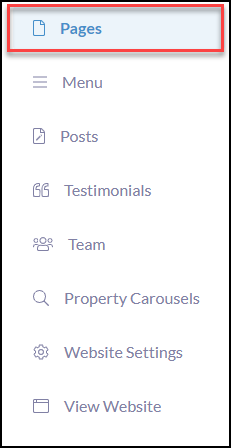
To complete this action from your website editor, click Pages
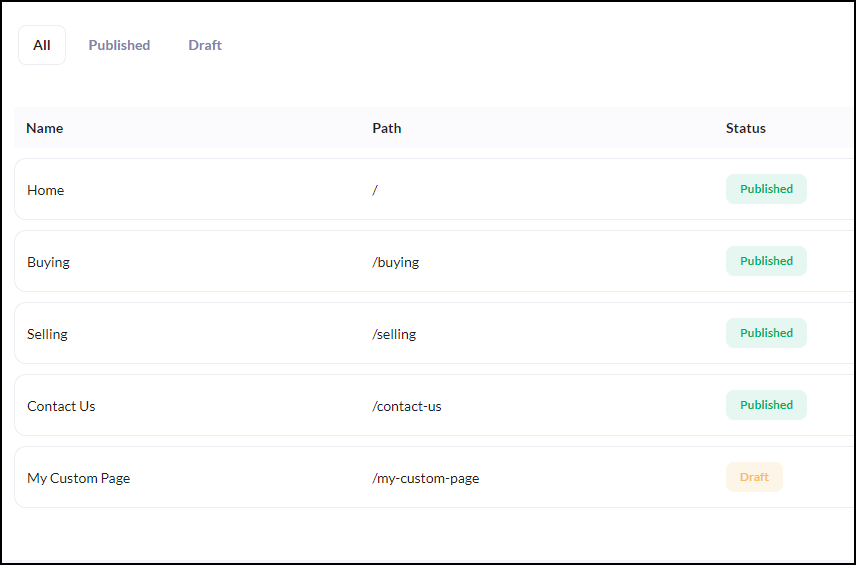
Click on any page you wish to have Registration Required (example pages below)
Click the Page Settings tab
Scroll to 'Registration Required' and click the checkbox to activate
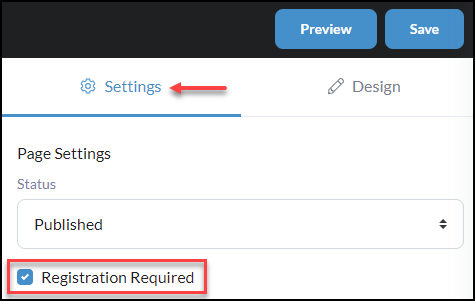
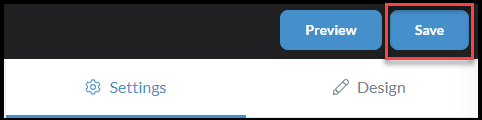
Once completed, click Save
When a consumer clicks into a website page where 'Registration Required' was set, they will be brought to the popup 'Create Your Free Account' to move forward with viewing the page.