Call to Actions provides a short, clear, and engaging prompt that's built into your website to persuade your audience to perform a specific action.
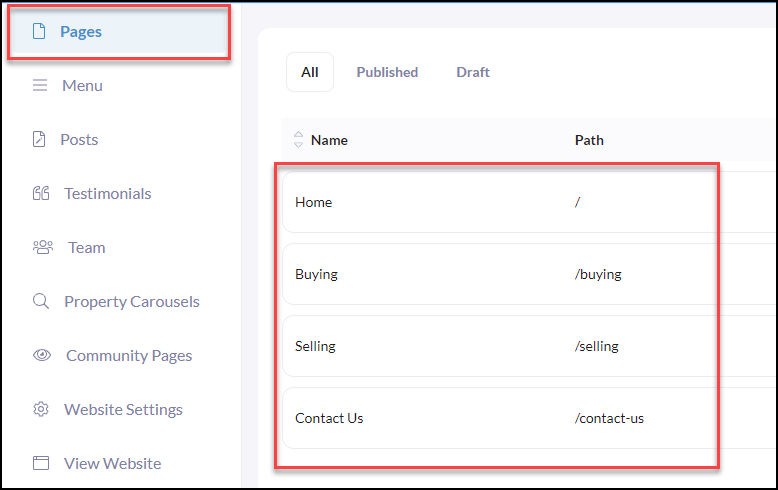
To begin, click Pages from your iA website menu
Then click on the page you wish to add your Call to Action to.
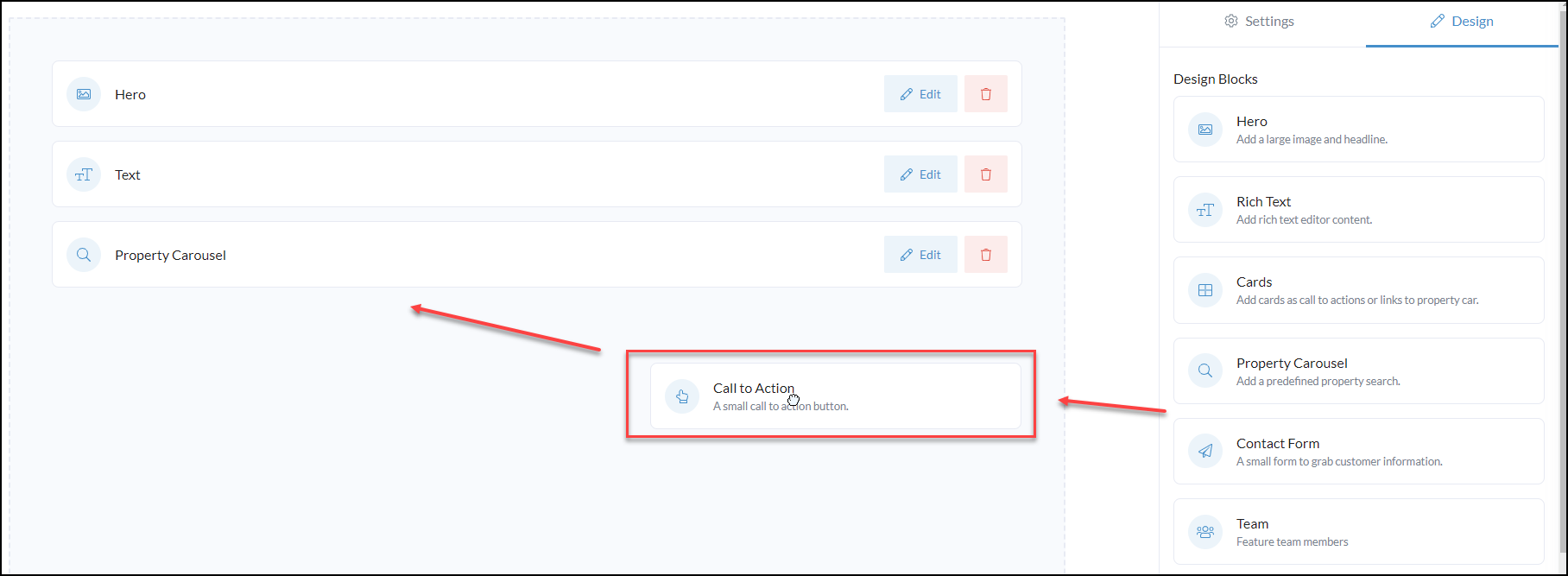
Locate the Call to Action design block
Drag and drop the design block into your website editor page.
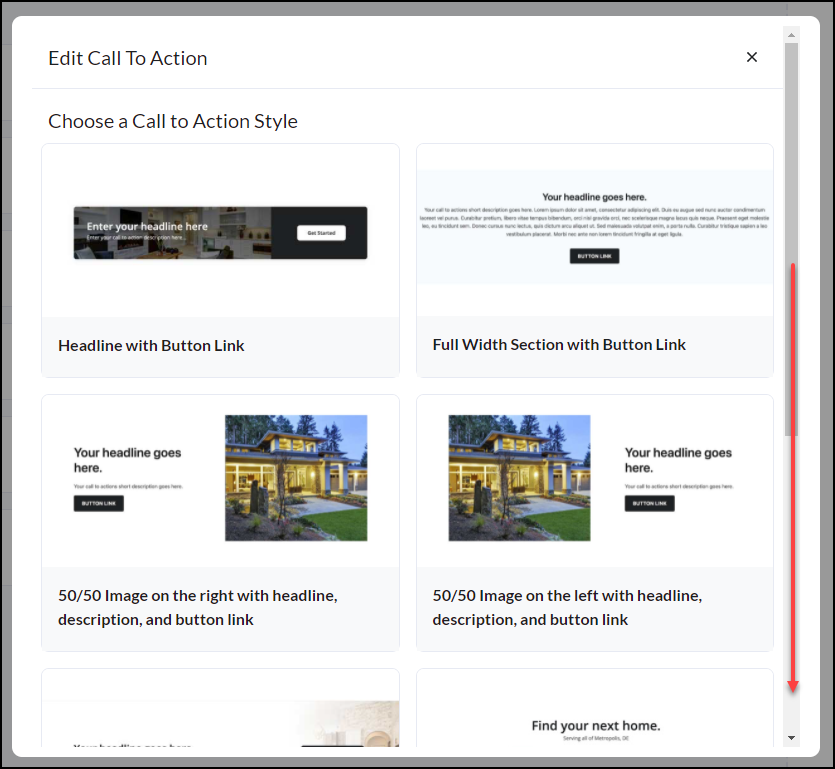
Next, Choose a Call to Action Style. There is a library of styles to choose from.
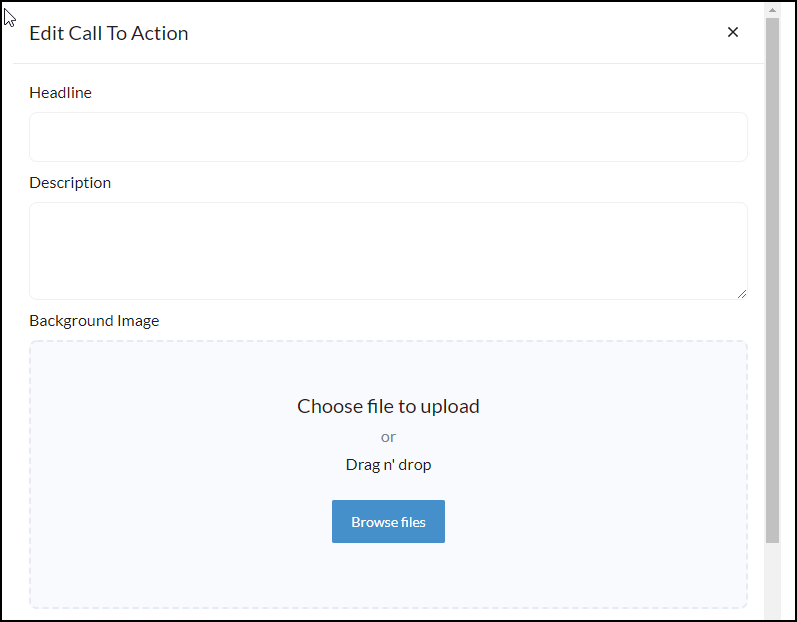
Next, Enter a Headline
Then a Description and Background Image
Enter the Button Text you wish to appear
Add the link you want the button to direct to.
If you are linking to another page on your website we recommend using a Relative URL in the Link field
What is a relative URL? A relative URL is using just the part after the domain name. For Example: Instead of using the full "https://your-domain-name/page-name" just use "/page-name" That means if you ever change your domain name the page links will still work!
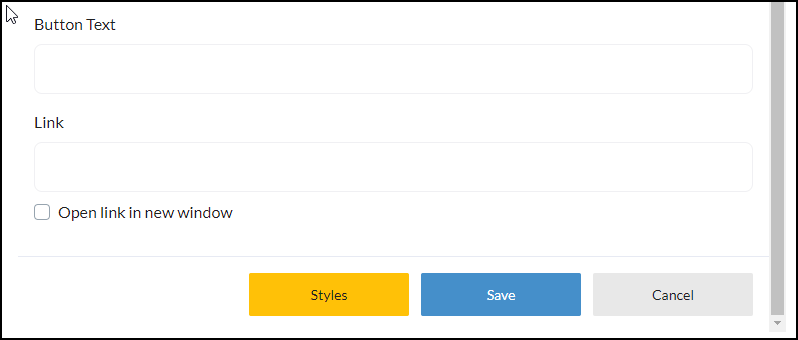
Click Save!