The Design Block approach basically breaks down the design of your webpage content into smaller parts built independently and then combined into a customizable page allowing the website more flexibility in terms of your layout and content.
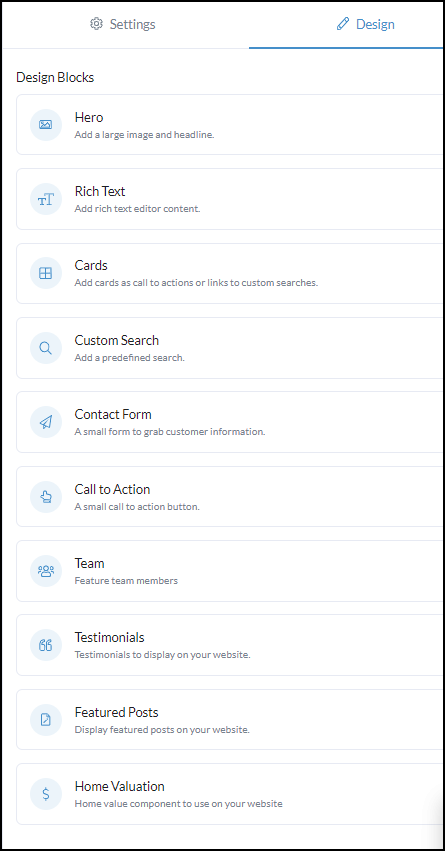
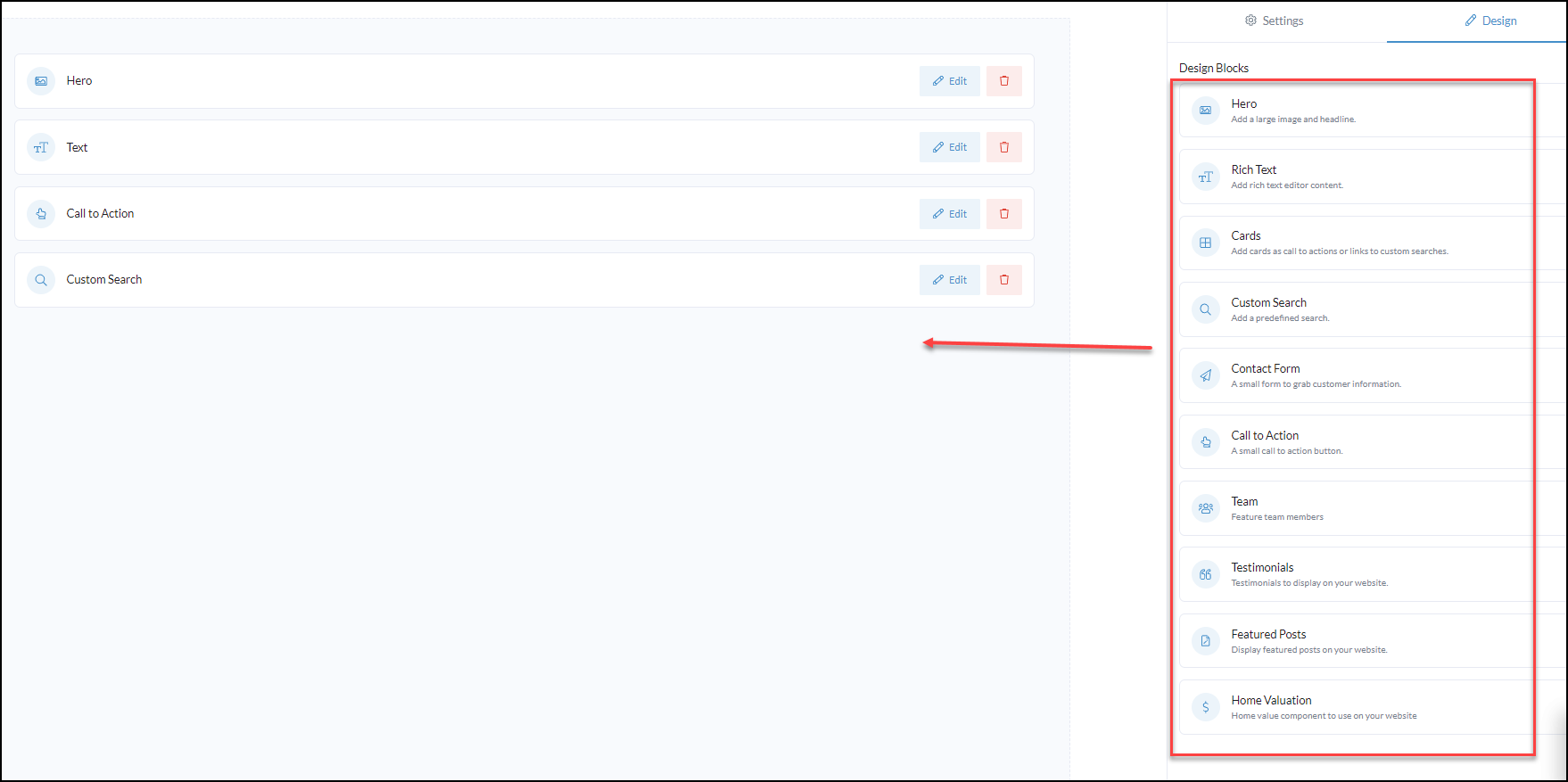
Each page provides the following Design Blocks allowing you to truly customize your website to your business needs and is very user-friendly.
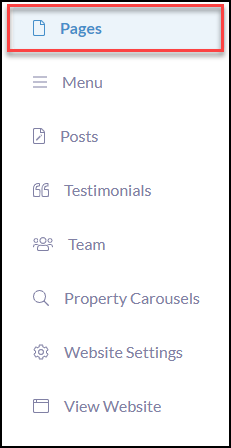
To begin, click Pages in your website workspace menu
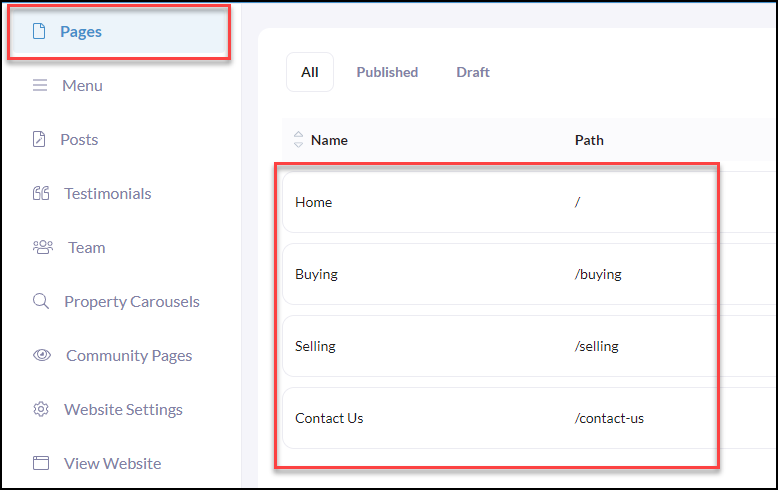
Click on a website page (Example of pages below).
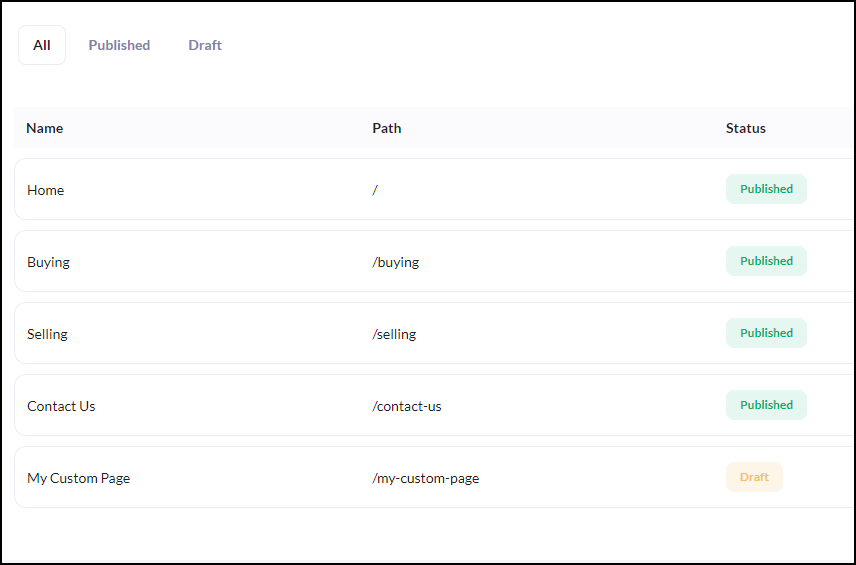
Click on the desired page to begin designing, i.e. example of available pages below.
Once you are on the desired page, you will see all of the Design Block options on the right-hand side where you can begin to drag n' drop into the website design area and begin editing your content!
Once you have completed your updates or changes, be sure to click Save in the top right-hand corner.
Make sure to navigate over to page Settings to create the page name, add a summary description, featured image, and publish your page!