To publish website pages from your website workspace
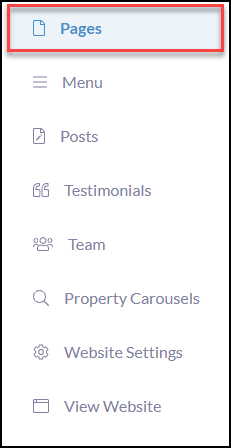
Click Pages
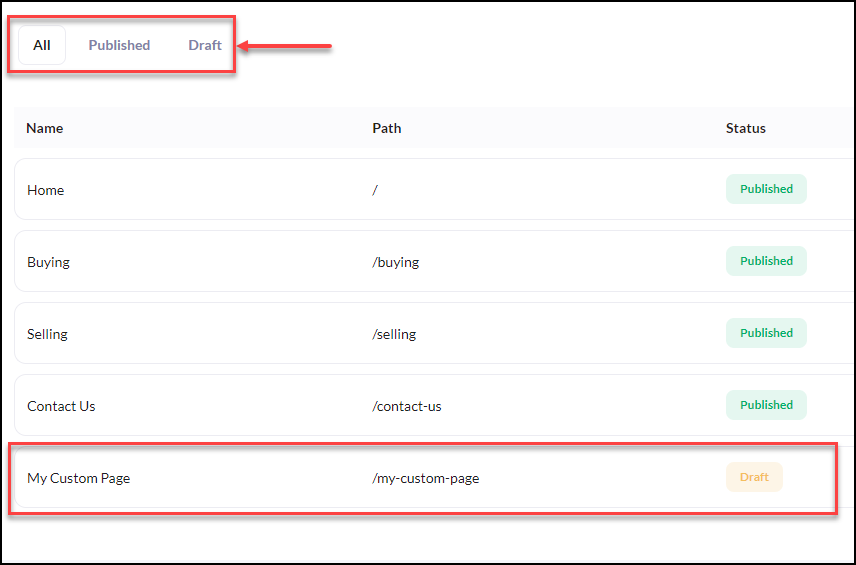
Choose to locate the page from 'All' pages available or narrow your pages by clicking 'Draft' to only view those in that status type.
Next, click the drafted page you wish to publish.
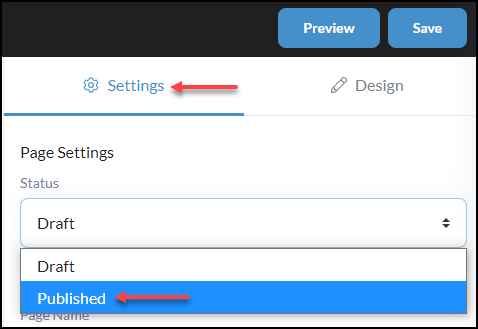
Once in your page design click, Settings
From the Page Settings 'Status', select Published from the dropdown.
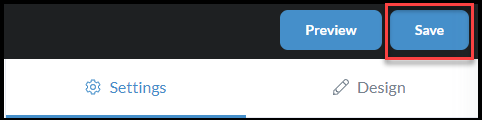
Once you have made all necessary updates or changes in your page settings, click Save in the top right-hand corner.
IMPORTANT - in order to see your published website page appear on your website you need to be sure the page is moved in your Menu Builder from Available Pages > Menu Pages.