There are two ways to update email subscriptions
1. Within in the contact details, or
2. In bulk from the contact list
Click Contacts from the left-hand menu
To update while in a contact profile
Click into the contact you wish to update the subscription settings
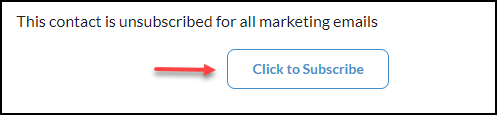
From the Contact profile, locate the subscription settings in the right lower-hand corner of their profile.
To update subscription settings in bulk
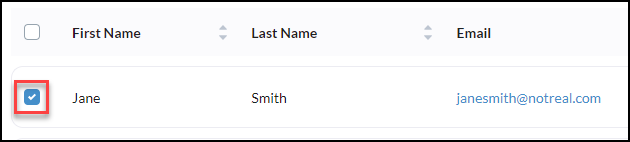
From your contact list click the checkboxes of any relevant contacts you wish to update
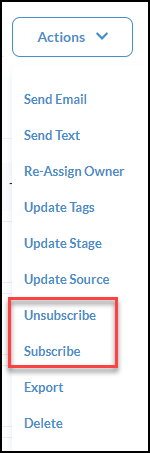
Next, click Actions

From the Actions, dropdown select whether to unsubscribe or subscribe as needed.
Then click confirm to complete the process