Needing to delete a contact or bulk set of contacts at one time? Please follow the instructions below on how to delete contact(s) from your client database.
Deleting a contact from the contact list view
Deleting a contact from the contact profile
Click Contacts from the iA menu
Deleting a Contact from the Contact List
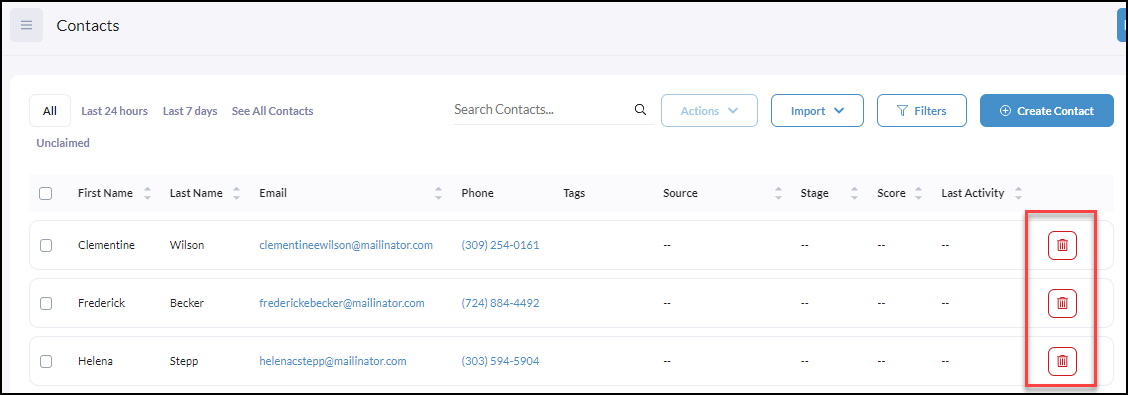
From the contact list, you can locate any contact, and to the right, click the trashcan to delete.
Deleting from a Contact Profile
To delete a single contact from the contact profile, click on the contact to delete.
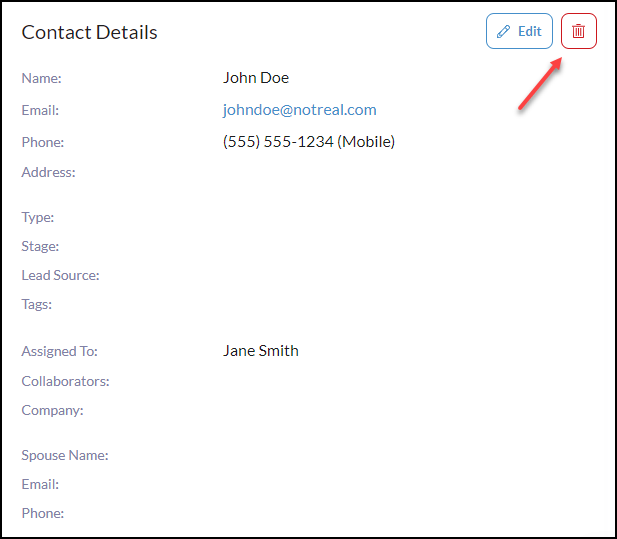
From the Contact Details, click the delete trashcan icon.
Deleting a Bulk List Contacts At One Time
To delete more than one contact at one time, click on the checkbox next to each contact to delete.
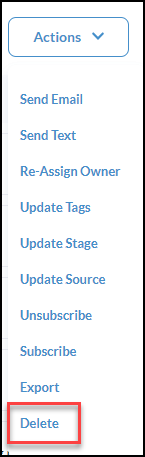
Click Actions

After clicking Actions, click Delete.
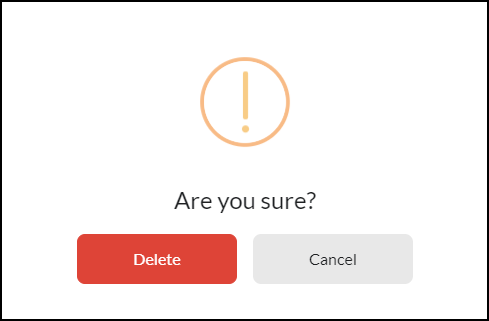
Then complete the final confirmation to Delete for both use cases.