One way to instantly engage with your contacts is to easily send email messages directly from the contact profile.
To start click Contacts in your iA Menu
Select the Contact you wish to email
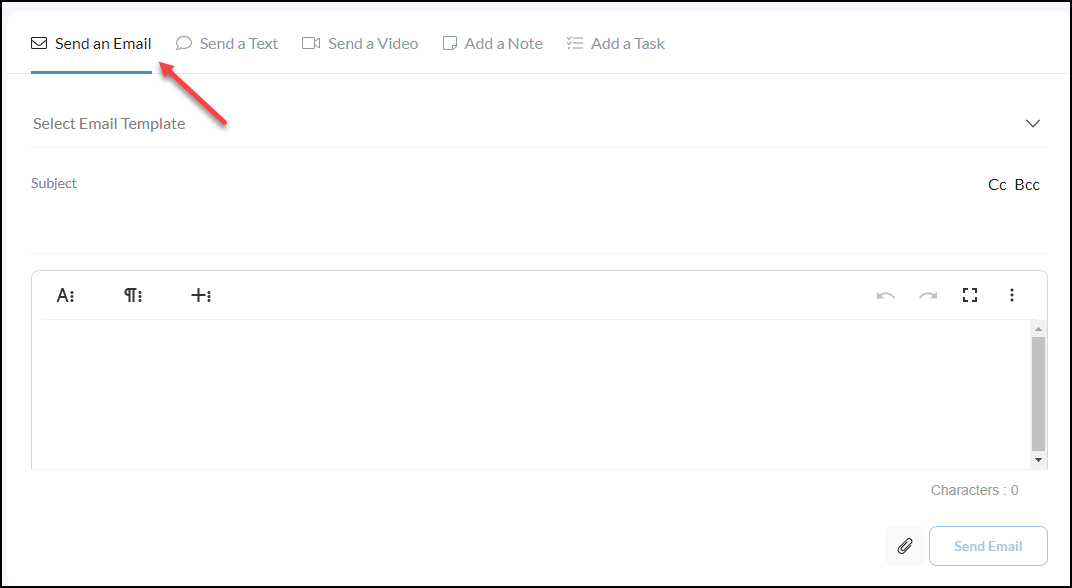
Send an Email
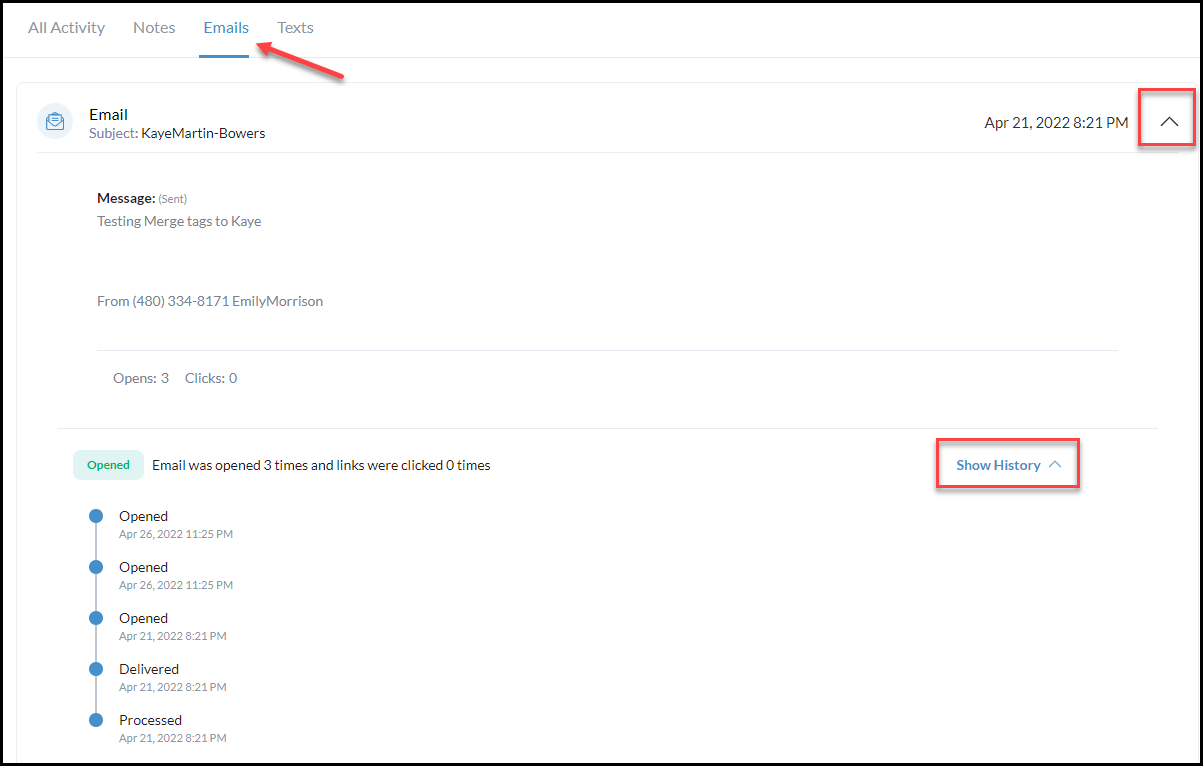
Review incoming and outgoing email messages in the activity stream or narrow down email messages only by clicking Emails in the column as shown below.
To open the details of your email use the caret dropdowns to the right of the date and time the email was sent/received.
To show the history of when it was opened and how often click the caret next to the Show History
Want to send a bulk email from your contact list? - Click Here to see how!