Send a Bulk Email easily from your Contact List.
To start click Contacts in your iA Menu
From your list of Contacts select all or a subset of your contacts using the checkbox to the left of each contact.
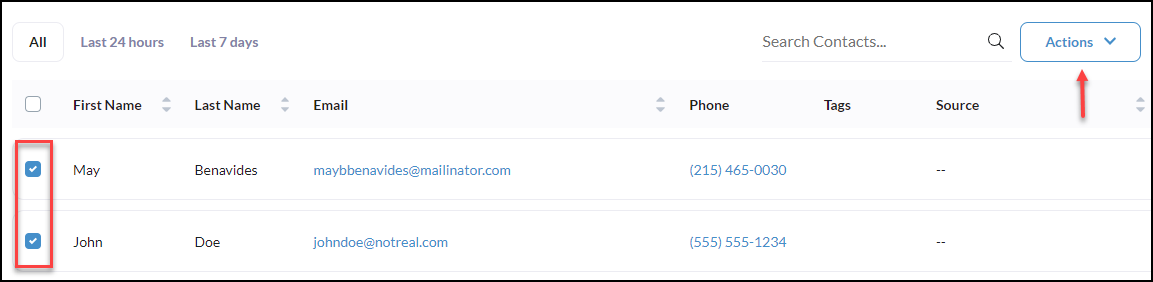
Click Actions
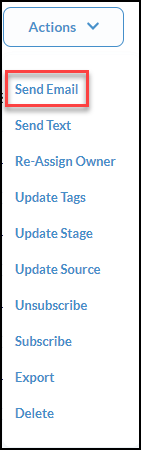
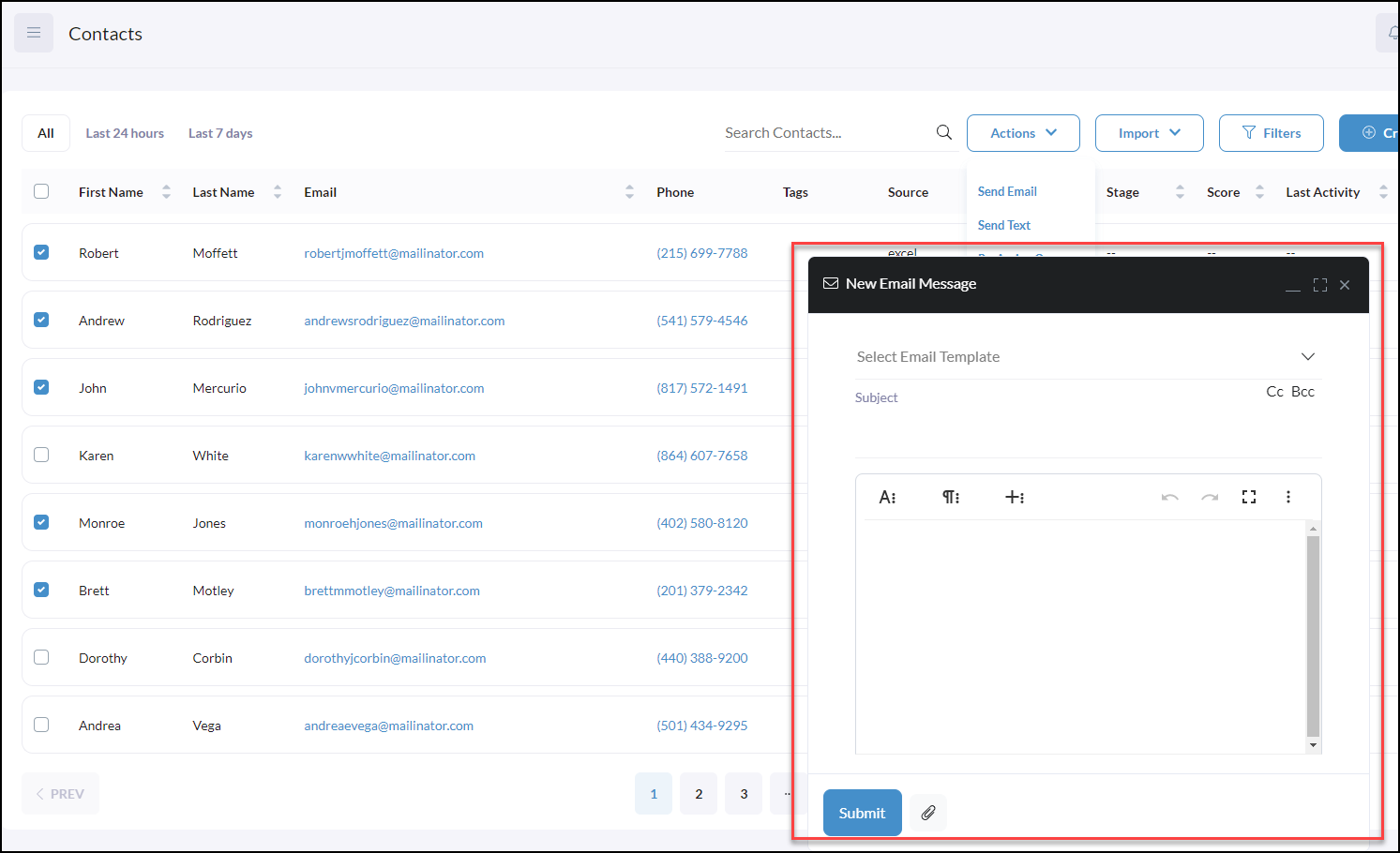
A New Email Message will pop up to begin emailing your contacts.
**Please note, that email messages sent in bulk will send to each contact separately.
Want to use consistent email messages? Create Email Templates! CLICK HERE