Store notes documenting interactions with your clients.
Follow the steps below:
Click Contacts in the left-hand menu

Click on the desired contact you would like to add your notes for.
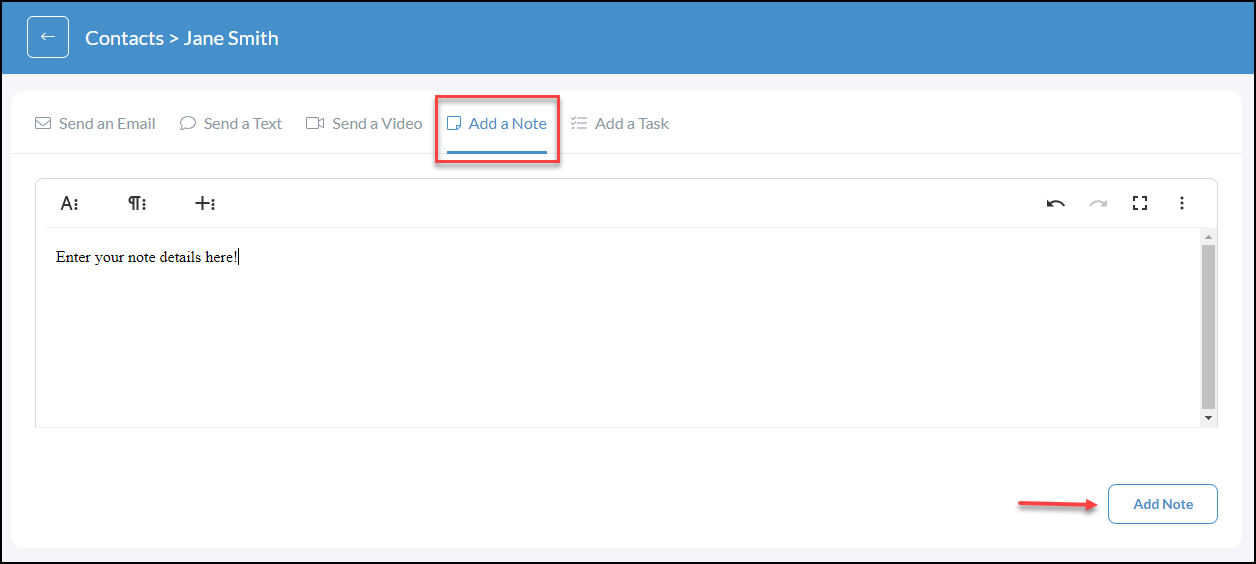
In the contact profile, click Add A Note
Use the rich text editor to add or edit content, images, links, emojis, etc.
Once you have completed your note click the Add Note button in the bottom right-hand corner
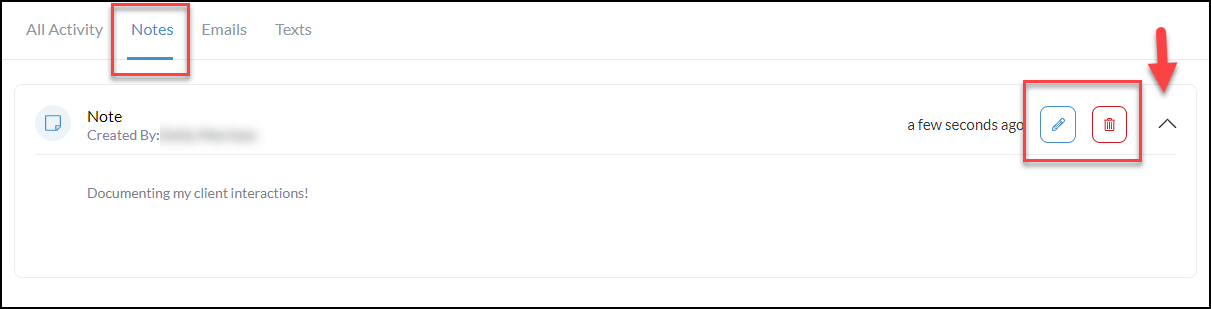
Notes will be saved in the contact activity both under All Activity or you can filter by just Notes by clicking the Notes tab above the activity (shown below)
Use the caret dropdown to the right of the note to view the details of the note.
Use the edit (pencil) and delete (trashcan) options to edit and delete notes as needed.