A Template is a default timeline layout that you are able to build your campaigns upon.
You can use the Templates available to you in intelliAgent (more to come) or you can also create your own template to insert regularly used images, videos, or reoccurring content to reuse for future campaigns.
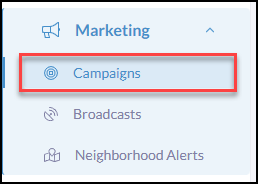
Click Marketing from the iA menu
Then click, Campaigns
Create Your Own Templates
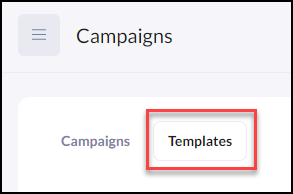
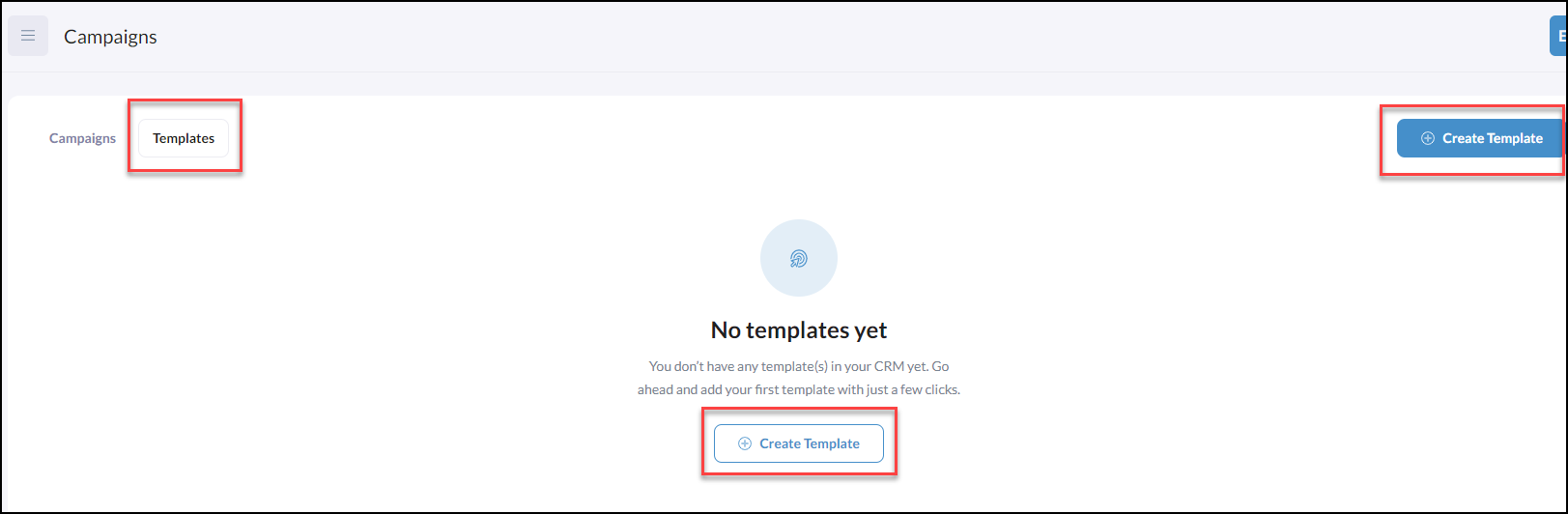
To create your own Template click on the Template tab at the top
Then click on Create Template
Using Templates to Create Campaigns
To begin creating your Campaigns using a Template click 'Create Campaign'
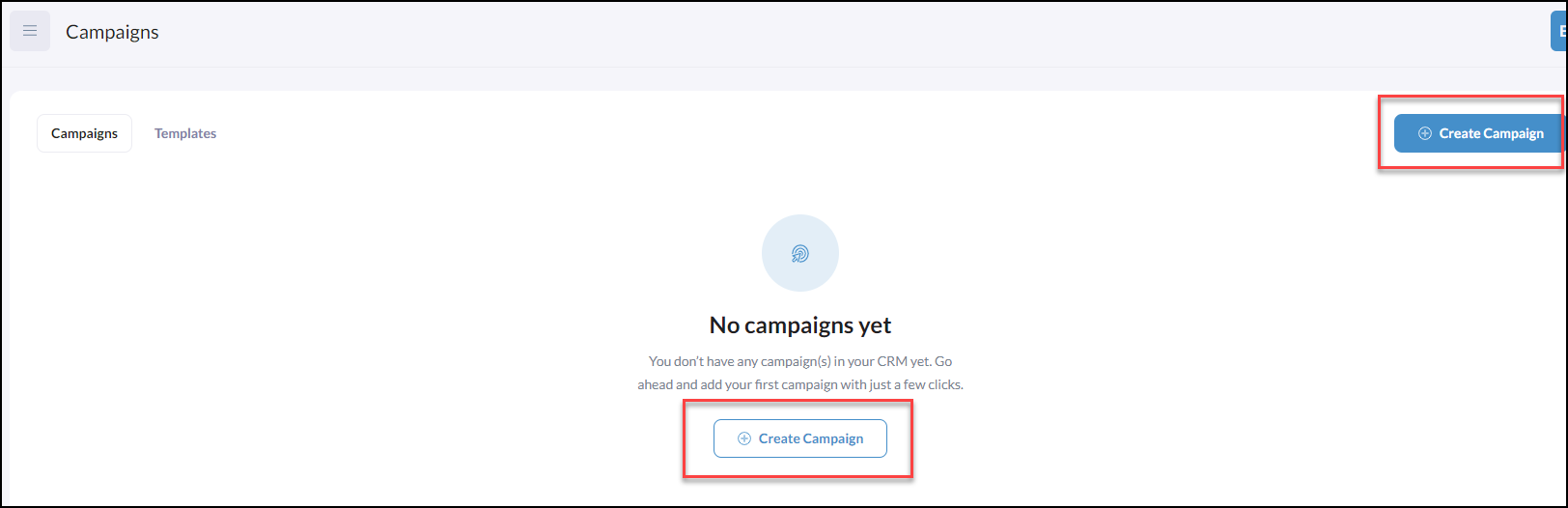
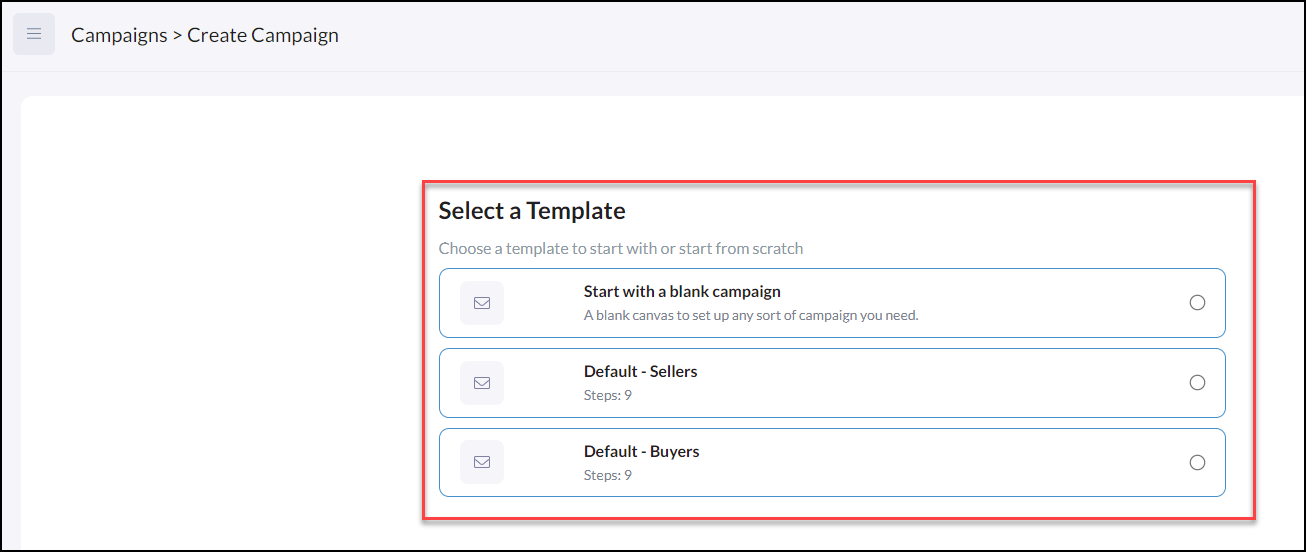
The Templates you have created or that is readily available in the platform will be available to you when you click Create Campaign
Note, when selecting a template, there will always be the option to select Start with a blank campaign
After you select an available template, you'll design your campaign on top of the template layout to add, delete, and rearrange content as needed. To learn more click Create Campaigns