To send or schedule an Email Broadcast:
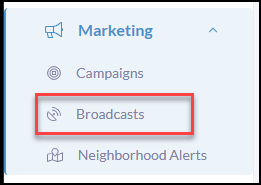
Click Marketing in your left-hand menu
Click Broadcasts in the submenu
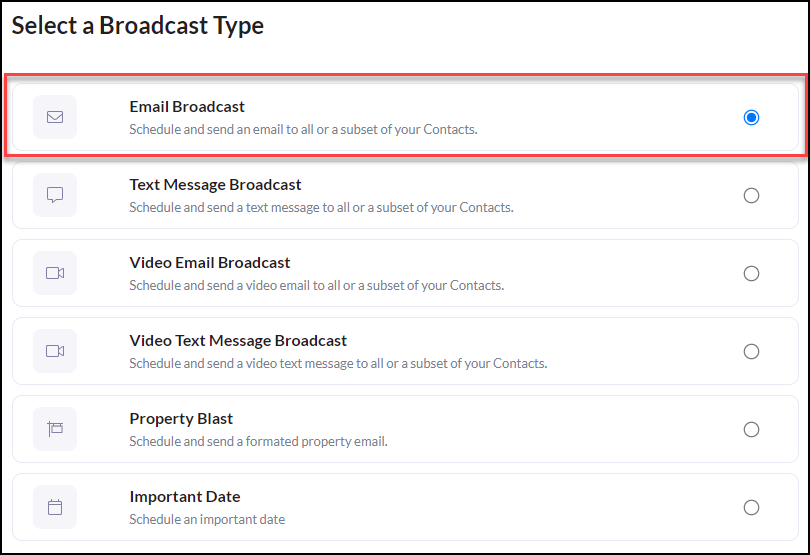
Click Email Broadcast
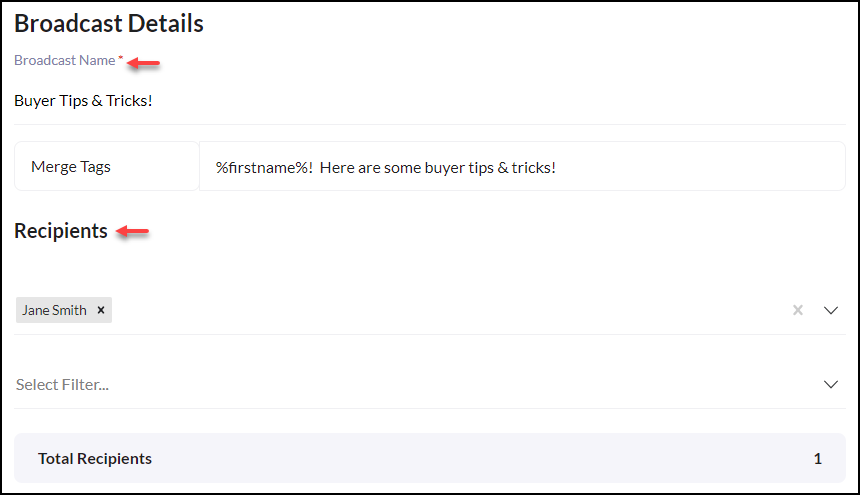
Create the Broadcast Name
Use Merge Tags to optimize personalization. **Merge Tags insert unique user data from your contacts
Next, select Contact(s) or Select a Filter for a contact group. To learn how to create a filter CLICK HERE
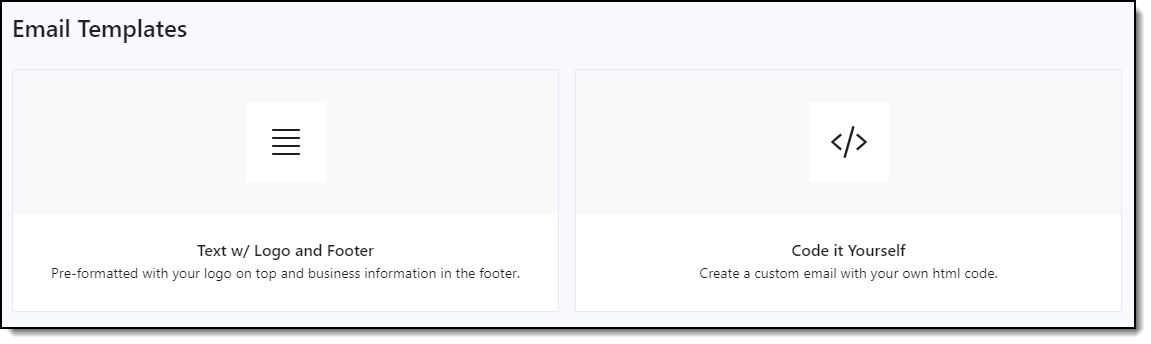
Next, click Text w/ Logo and Footer
If you are experienced with Code it Yourself this option is available to you.
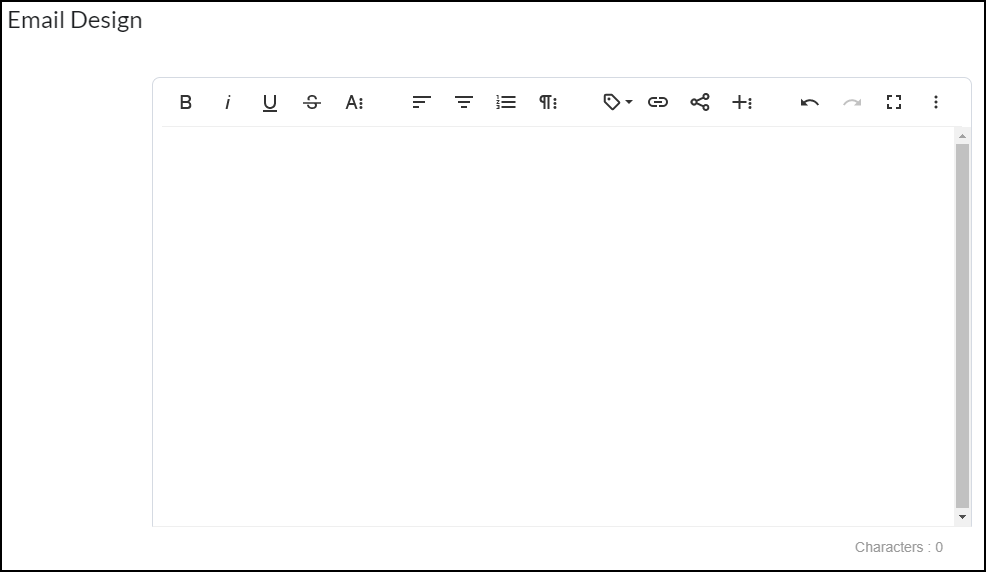
Use the Email Design to build your Broadcast
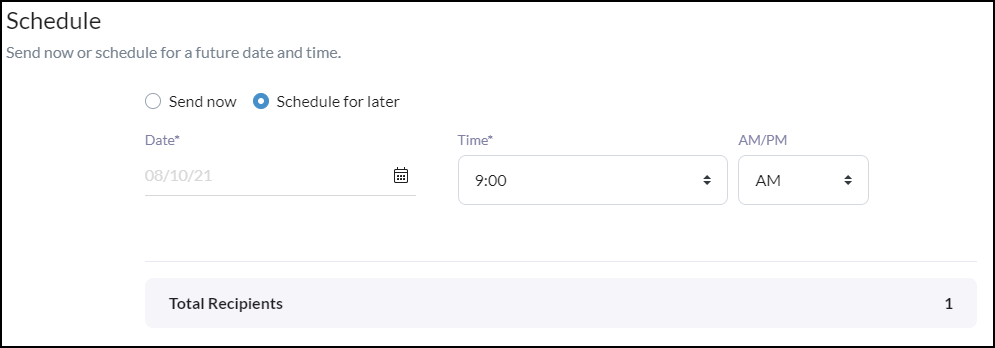
Now you are ready to Send or Schedule your Broadcast!
View Reports
Some things to think about when viewing your reports:
 Did contacts open or click the email? If not, how can I make it more enticing?
Did any contacts unsubscribe? If so, did I send it to relevant contacts?
Were there any bounced or invalid emails? If so, do I need to update my contact info?
It is recommended to investigate which emails have delivered the top results for you over the past month. This metric reveals which emails got the most opens, clicks, and engagement.