Use multi-channel drip campaigns to boost engagement and stay top of mind with your clients.
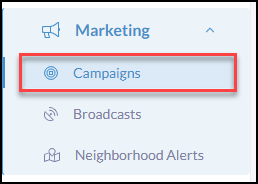
To begin creating a campaign or template click Marketing in the iA menu
Nex, click Campaigns
Creating and Managing Campaigns
Click Create Campaign
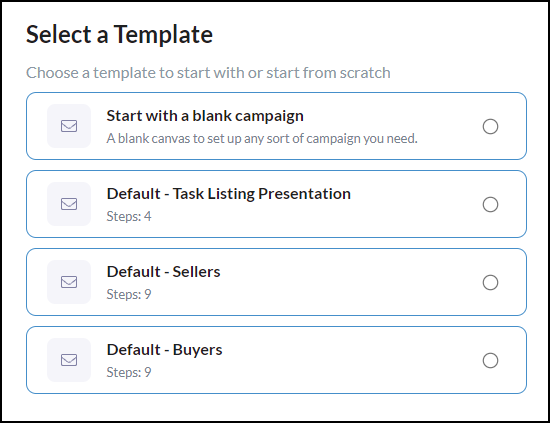
In 'Select a Template', choose Start with a Blank Campaign or choose an existing campaign template available.
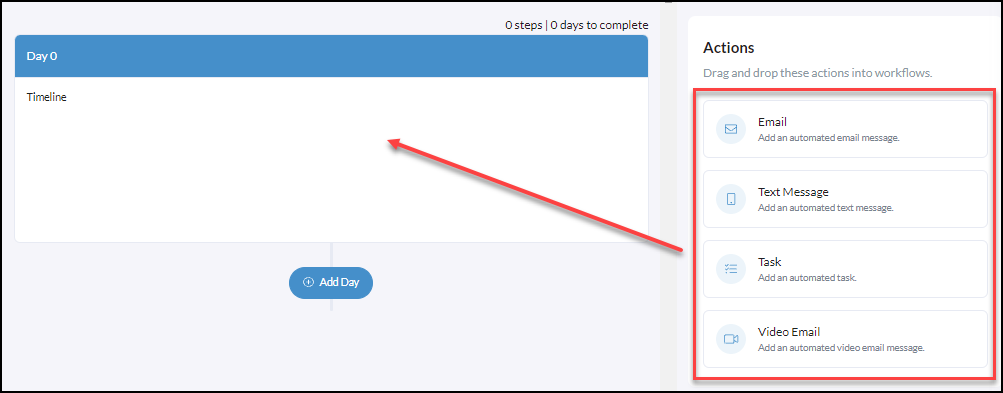
Begin building your content with 4 multi-channel actions and an easy drag n drop feature!
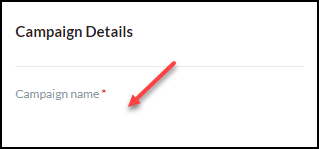
Create the campaign name so you can easily find it in your CRM.
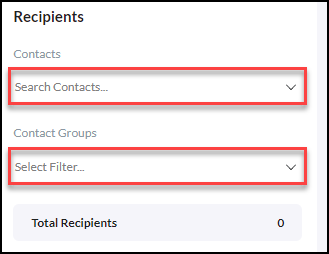
Select your Recipients (optional)
Search Contacts and select as many contacts as needed.
Or, select a Filter Contact Group.
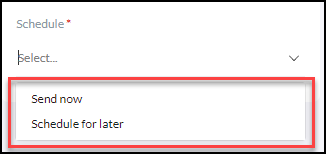
To schedule click Send Now or Schedule for Later
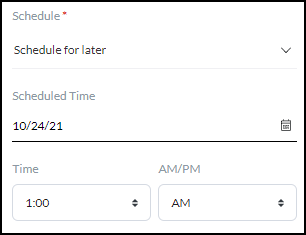
Schedule for Later - use the calendar date picker and what time based on your timezone.
Before clicking Submit you can save the campaign as a Template for later use again or Save as Draft if you need to finish it later.
