Videos are a powerful advertising tool to tap into an audience on a more personalized level and will have the power to capture and hold attention.
To send or schedule an Video Email Broadcast:
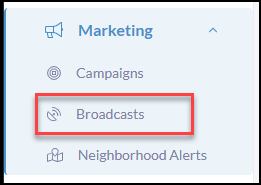
Click Marketing in your left-hand menu
Click Broadcasts in the submenu
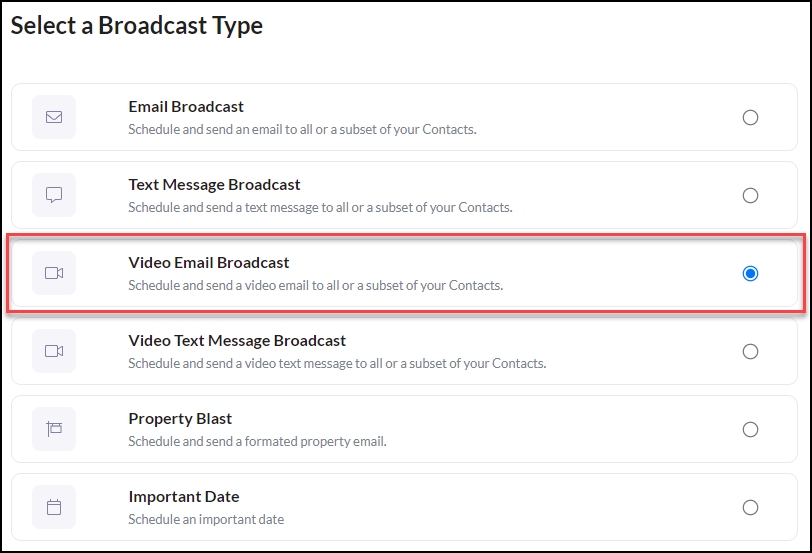
Click Video Email Broadcast
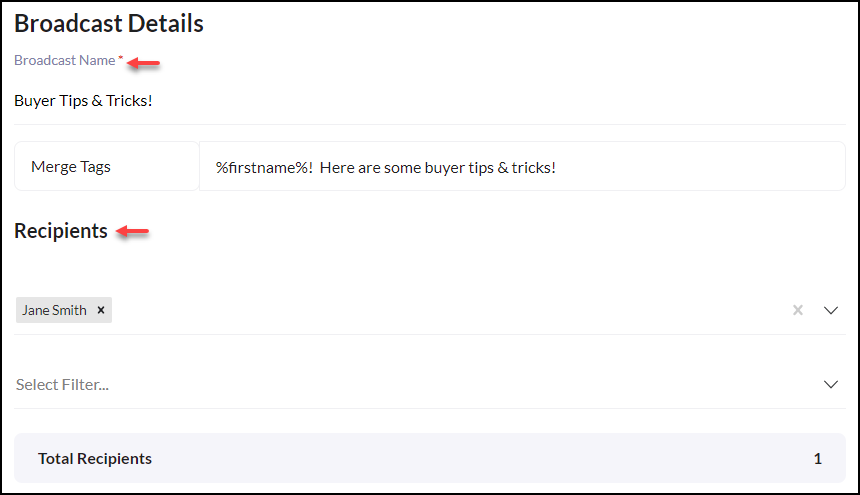
Create the Broadcast Name
Use Merge Tags to optimize personalization. **Merge Tags insert unique user data from your contacts
Next, select Contact(s) or Select a Filter for a contact group. To learn how to create a filter CLICK HERE
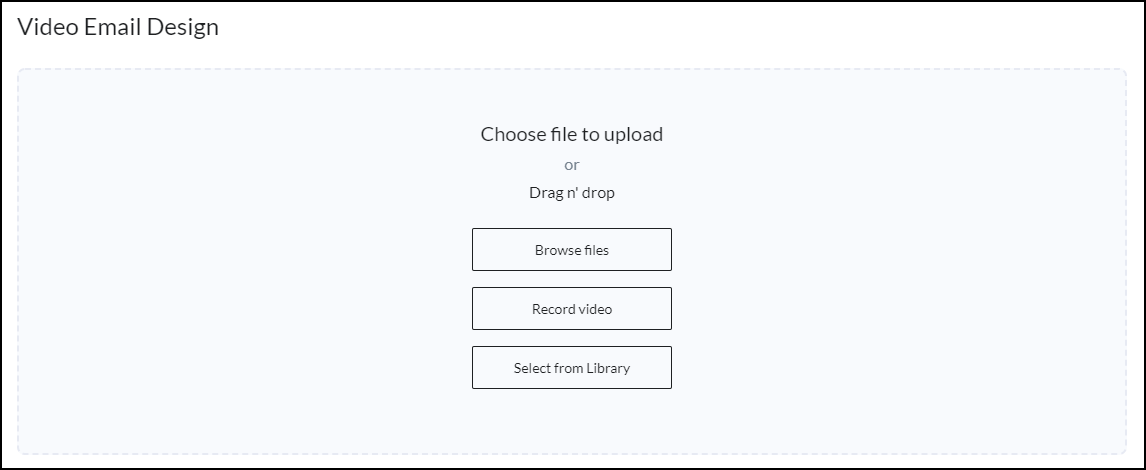
Under Video Email Design choose your File to Upload
Note, the max file size is 20 MB
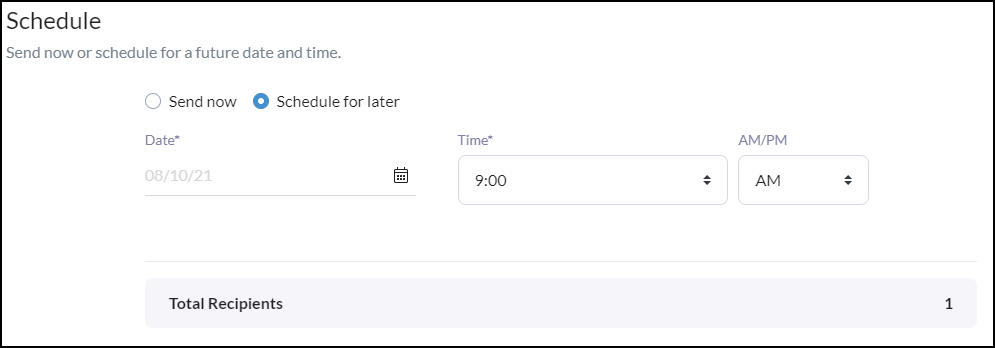
Now you are ready to Send or Schedule your Broadcast!
View Reports
Some things to think about when viewing your reports:
 Did contacts open or click the email? If not, how can I make it more enticing?
Did any contacts unsubscribe? If so, did I send it to relevant contacts?
Were there any bounced or invalid emails? If so, do I need to update my contact info?
It is recommended to investigate which emails have delivered the top results for you over the past month. This metric reveals which emails got the most opens, clicks, and engagement.
--------------------------------------------------------------------------------------------------------------------------------------
Video Best Practices for Recording Yourself:
- Let the client know this is for them!
- Beware of lighting and keep distractions to a minimum so the focus is 100% on the message you are conveying.
- Keep it steady. A video that is shaky can be a real headache to watch

- If you are not comfortable being on video try rehearsing what you are going to say or write a script to help before hitting record. Don't be afraid to record it over again if needed to correct any errors.
- Most of all, have fun! When utilizing video messages you will come off as a more authentic and personal real estate professional.