Create a default city for your website's IDX property search.
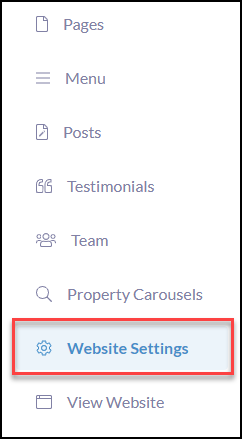
Click Website Settings
Click Map

Map Position for your Property Search
To start, select your city preference in the search drop-down
You can use the map features to zoom in and out of the area, you would like to use as your default property search parameters.

Once completed, click Save Changes in the bottom right-hand corner