If you are on a team use the option of First to Claim or Round Robin for website lead routing. Follow the steps below on how to set this up. If you have not setup a lead routing group you will need to do this first in your CRM Settings - Click the following link to follow these steps How to setup Team Lead Routing
Once you have setup your team lead routing group(s) complete the following steps to assign website lead routing.
Click Websites from the iA Menu
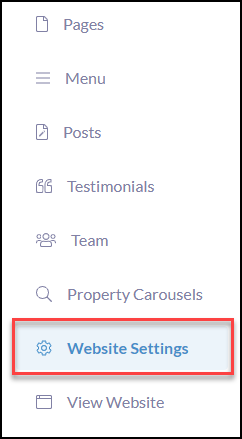
Click Website Settings
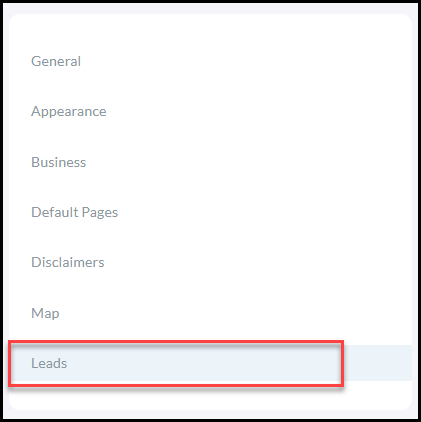
Click Lead Routing
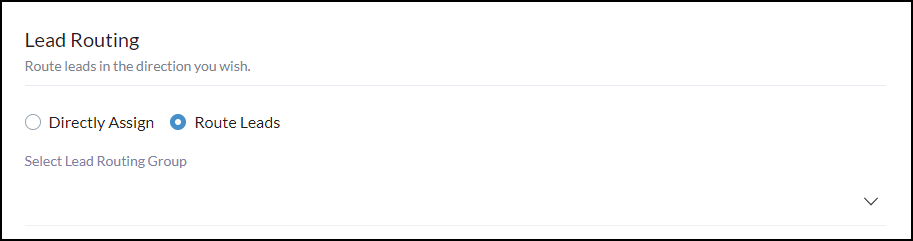
There are two options for Lead Routing
TIP**Setup campaigns to trigger for website leads! please visit Create Campaigns then click Website Triggered Campaigns to complete the setup