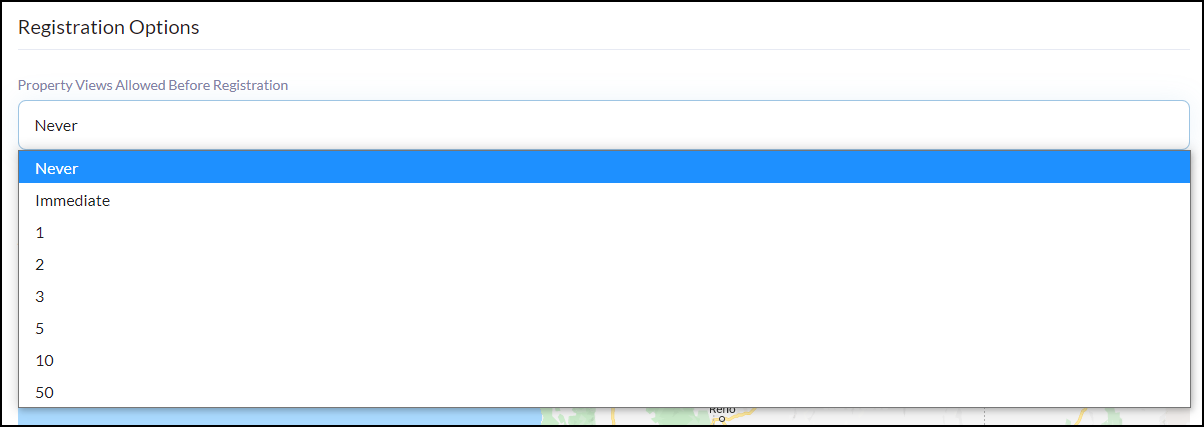
Set how many times a consumer can utilize the property search before they should register for your website.
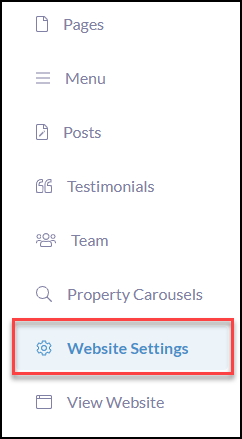
Click Website Settings
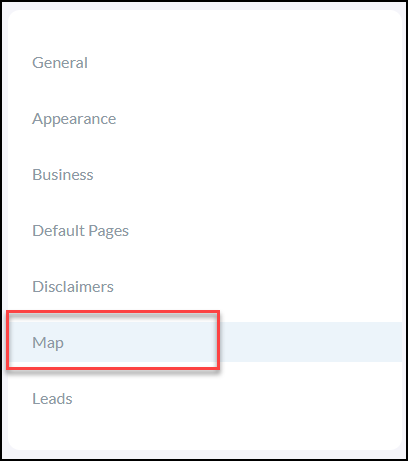
Click Map
Select if you would like to update the Registration Options (optional) on how many times a consumer can utilize the property search before they should register for your website.
Once completed, click Save Changes in the bottom right-hand corner
NOTE: Consumers registering with the website will automatically create a new contact in your CRM. Create a Triggered Campaign that will complete a follow-up drip campaign for instant nurturing!
Click Here to Learn How to Trigger a Campaign for Registration!