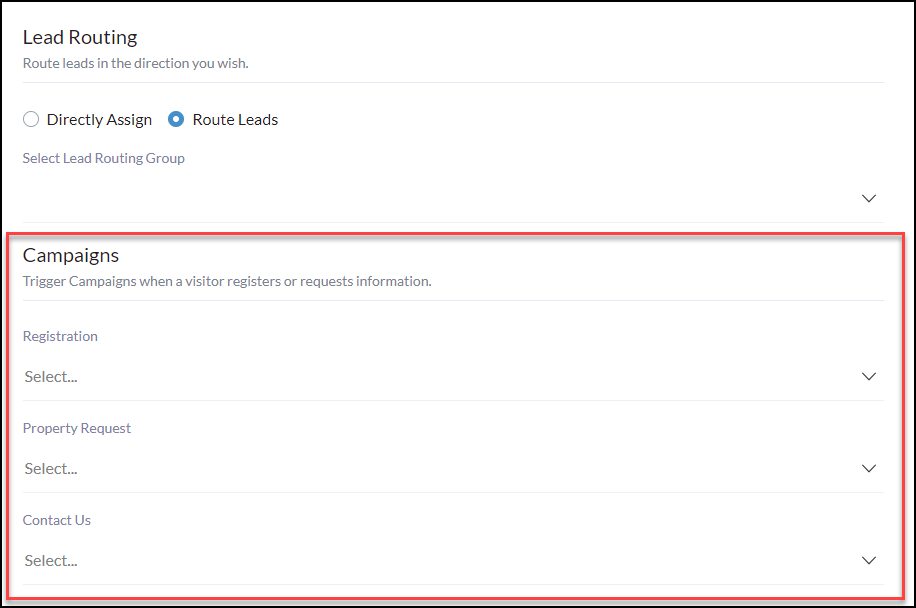
Trigger Campaigns when a visitor registers or requests information.
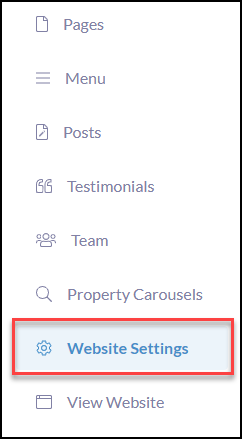
To get started, click Website Settings in the left-hand menu
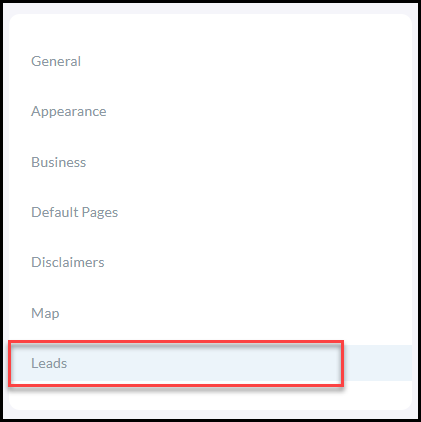
Click Leads
Then select appropriate campaigns to trigger for when a consumer completed Registration, Property Requests, or Contact Us from the lead capture design blocks!
Once completed with all updates or changes, click Save Changes in the bottom right-hand corner
💡 Need to create a campaign to trigger during these events? Click HERE To Get Started!