Adding social media links to your website is another means to increase the virality of your content.
To add or edit your social media handles:
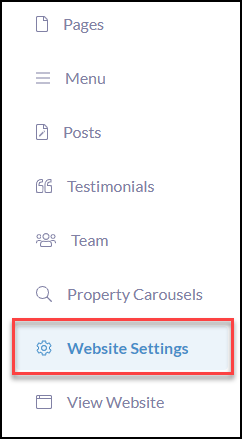
Click Website Settings in the left-hand menu
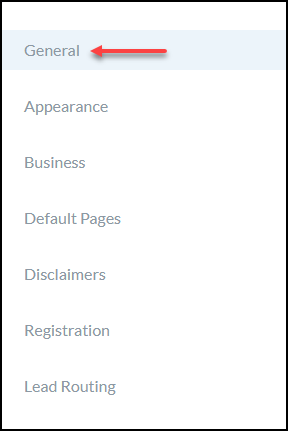
Click General
Scroll down to Social Media
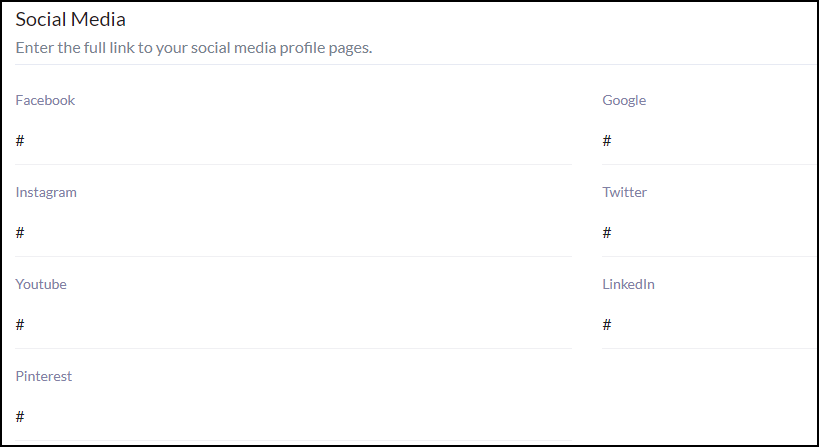
- It is required that you enter the full link to your social media profile pages in order for the links to work.
- Having (#) in a social media field will still display the icon on the site. If you do not have a social media handle you can simply remove the # and leave it blank which will remove the icon from appearing on the site.