Click Contacts in the iA menu
From your contacts page, click ‘+Create Contact' to begin adding a contact.

The card drawer will open where all the contact information can be added.
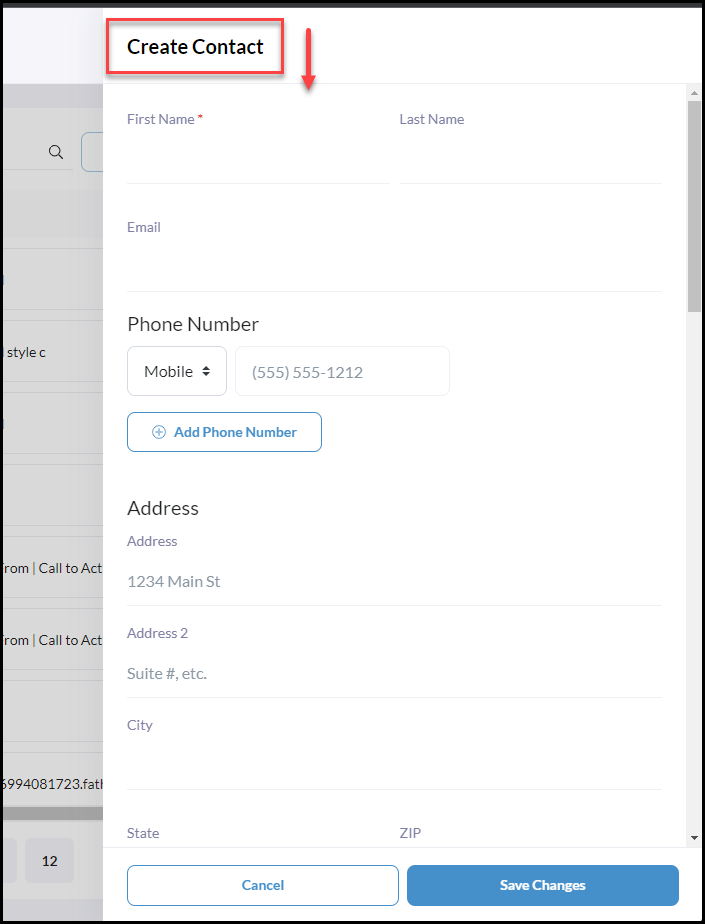
We recommend adding Contact Types, Stages, Tags, Important Dates, and all other relevant fields which will be beneficial when creating Filtered Contact Groups.
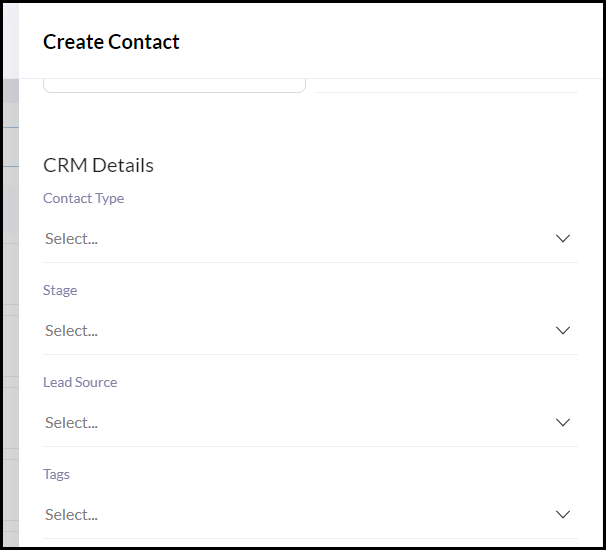
Filtering will provide a more versatile way to create contact groups for any purpose including drip Campaigns, Broadcasts, and Neighborhood Alerts.
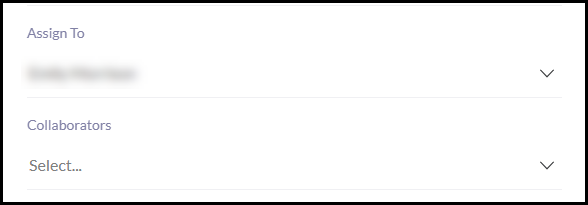
Assign To and Collaborators
If working on a team, the contact owner can be selected using the Assign To dropdown.
If two Agents under a team are collaborating with a contact they can also be added under the Collaborators dropdown. Using the Collaborator functionality, which provides a shared view of the contact between Agents on a team.
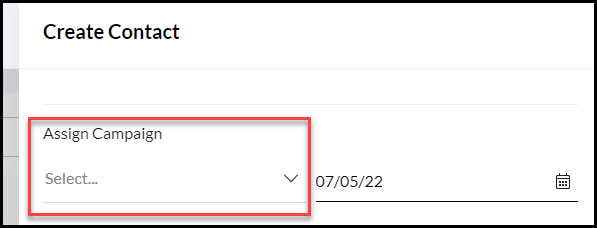
Assign an Active Campaign
Assign an active drip campaign when manually creating a contact.
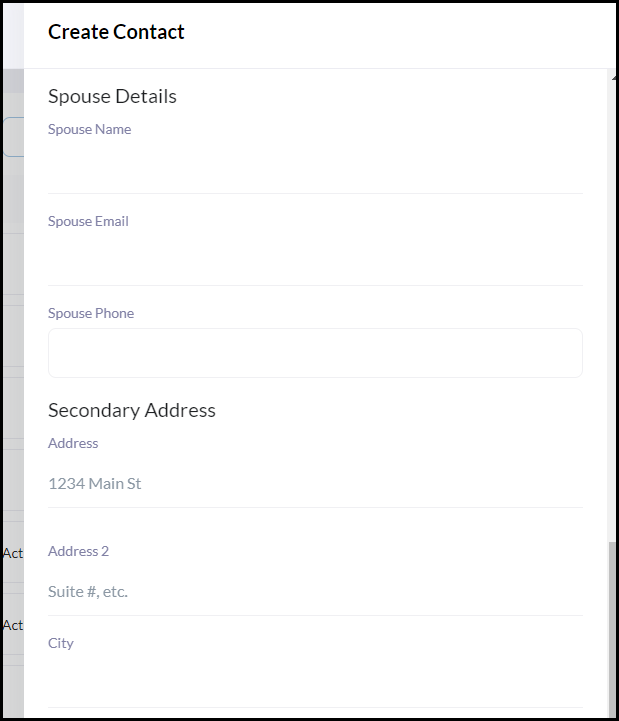
Add Spouse Details and Secondary Addresses
Include spouse details and any secondary addresses.
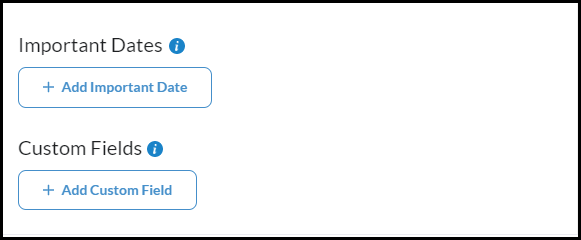
Add or create ad-hock Important Dates and Custom Fields
Create important dates or custom fields that may not already be included in the CRM to store and filter by more contact information.
Have a large list of contacts to enter? Click Importing Your Contacts to review how to bulk import a list of contacts using a CSV file.